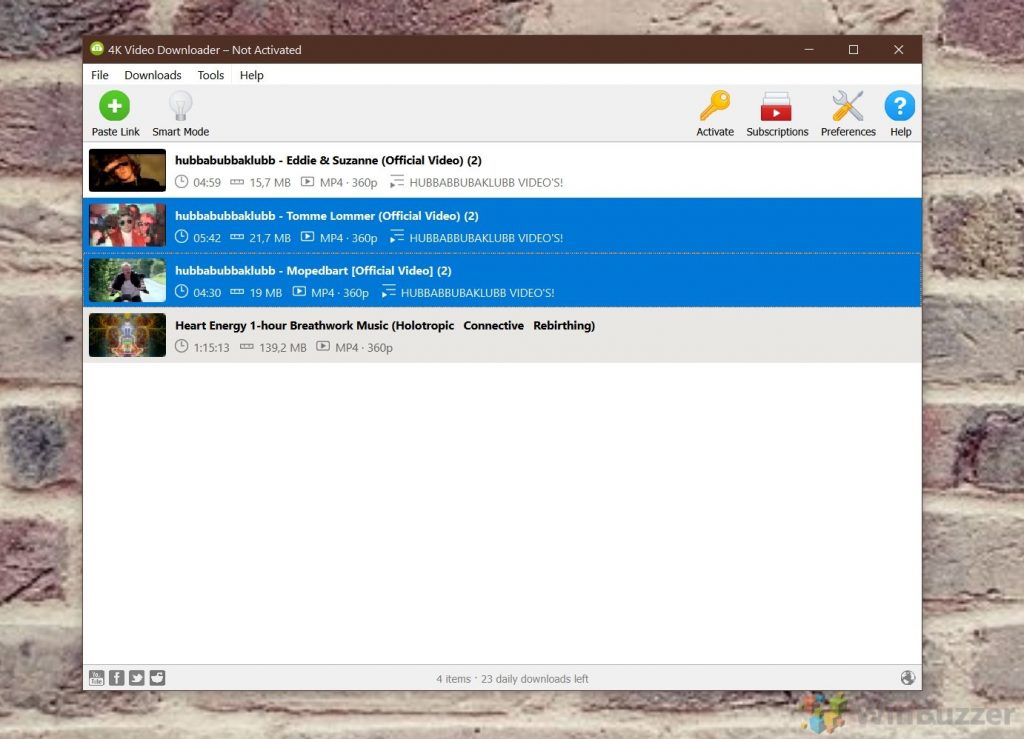
Downloading videos from the web does not have to be complicated, although YouTube and similar websites do not want you to store videos hosted by them on your PC. 4K Video Downloader is one of many tools that offer video downloads from YouTube, Vimeo, and other video hosting websites. The software is available for free for Windows 10, macOS, and even Linux and works with basically all video-hosting sites (YouTube, Vimeo, TikTok, SoundCloud, Flickr, Facebook, Instagram, DailyMotion, Naver TV, Likee, and Tumblr). You can even use it to download streams from Twitch and YouTube Gaming or complete YouTube playlists. Advertisement How 4K Video Downloader works Using the software is straightforward. Just open the video you want to grab in your browser and copy the URL from the address bar. Switch to 4K Video Downloader, click “Paste Link” and let the software scan the source. This usually does not take longer than 2-3 seconds. After that, you can select the desired resolution, format, path, and filename and you are good to go. 4K Video Downloader supports MP4 and MKV as video formats. 4K Video Downloader can also just download the audio track from the video and save it in different quality…
Read More
4K Video Downloader: Saving Video and Audio from YouTube, Vimeo, TikTok, Facebook and …