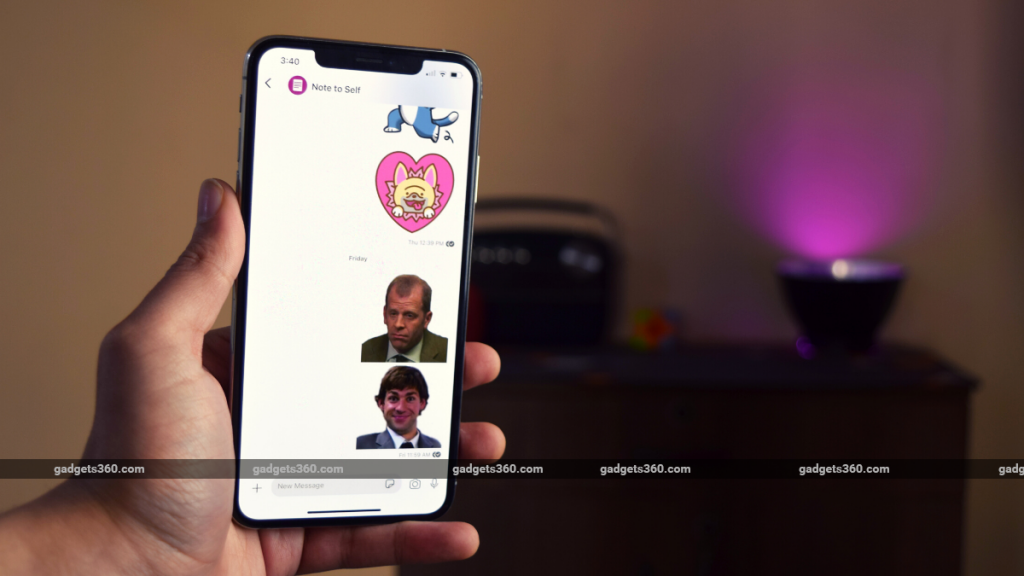
One of the most popular features of WhatsApp is the ability to send stickers. If you have migrated to Signal have after WhatsApp’s privacy policy changes, you might have been taken aback by the sparsity of default sticker packs. So here’s a quick guide to downloading some extra stickers and even creating some of your own.How to access stickers on SignalBefore we tell you how to download stickers for Signal, here’s you can access them in the first place:Android method Open Signal > bring up a chat > Tap the emoji icon to the left of the chatbox. Tap the sticker button right next to the emoji button and now you’ll find access to two sticker packs by default.Tapping the sticker icon will also change that emoji icon on the left of the chatbox to a sticker icon. You can then tap the stickers that you want to send.iOS method Open Signal > bring up a chat > tap the sticker icon to the right of the chatbox. Now you’d be able to find all the stickers that you have and tapping them will send the stickers.How to download stickers from SignalStickers.comSignalStickers.com is a free large third-party collection of stickers…
Read More
Bored of Default Signal Stickers? Here's How You Can Download and Create More Stickers