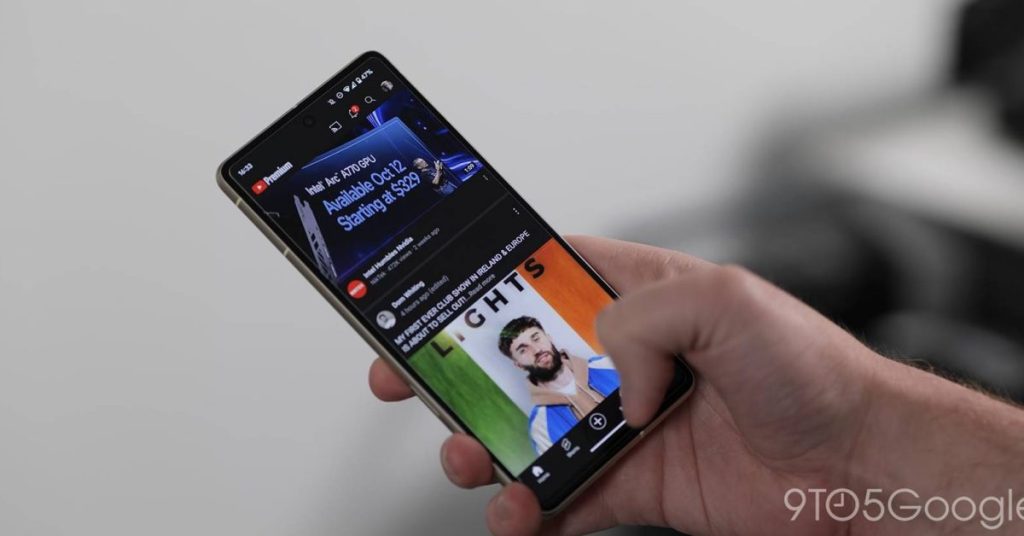
Currently, YouTube on mobile changes default video quality based on usage instead of giving the option to change resolution right away. This guide will go through changing your videos on YouTube to a specific resolution to get the best quality. In previous versions of the YouTube mobile app, you always had the option to easily change the resolution to whichever quality you wanted, up to 8K in some cases. With that, it was easy to change your settings just a little bit to ensure you were getting the best picture, even if that meant it took a little longer to load and a little more data. Just last year, YouTube switched to a new video quality preferences section that has you choose general settings on both Wi-Fi and mobile network. You can choose between auto, high quality, and a data saver mode. While those dynamic presets are great, some users may want to change the resolution and make it a default. You can still change to a specific resolution, it’s just a case of finding those settings. How to change video quality on YouTube’s mobile app There are a couple of ways to change the video quality on YouTube. By
Read More
Here's how to set YouTube videos to play at a specific resolution on Android