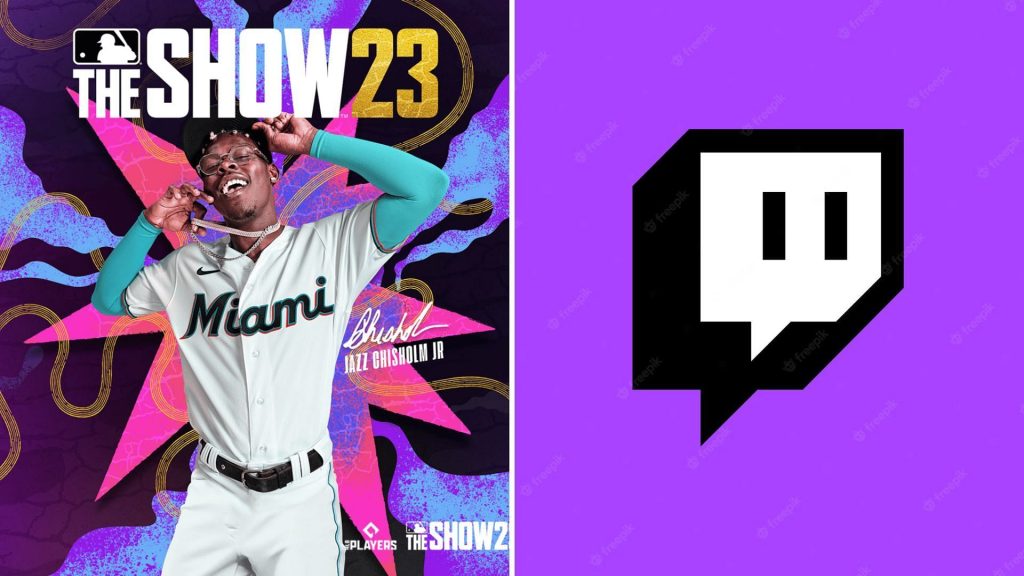
MLB The Show 23 continues to add new content and features for gamers. This has made the game more interesting for fans. One of the latest features provides gamers an opportunity to link their game accounts to Twitch and earn rewards. MLB The Show 23 account can be linked to Twitch There are a handful of simple steps that gamers can follow when it comes to linking their MLB The Show 23 accounts to Twitch. These are as follows: • Gamers first need to create an MLB The Show 23 account of their own. If they already have an account, then need to log in to that account.In the second step, gamers need to select Twitch under the Linked Accounts.Finally in the third stage, gamers need to click the added link and then hit Authorize. Gamers might have to close playing MLB The Show 23 on the device that they are playing and then reopen that device to see their linked accounts to Twitch. Gamers who already have a Twitch account with MLB The Show 23 can gain Diamond Dynasty rewards. Moreover, they can also gain pack drops for free while watching streams of MLB The Show 23. This latest
Read More
How can I link Twitch to MLB The Show? Detailed tutorial to connect game and claim drops