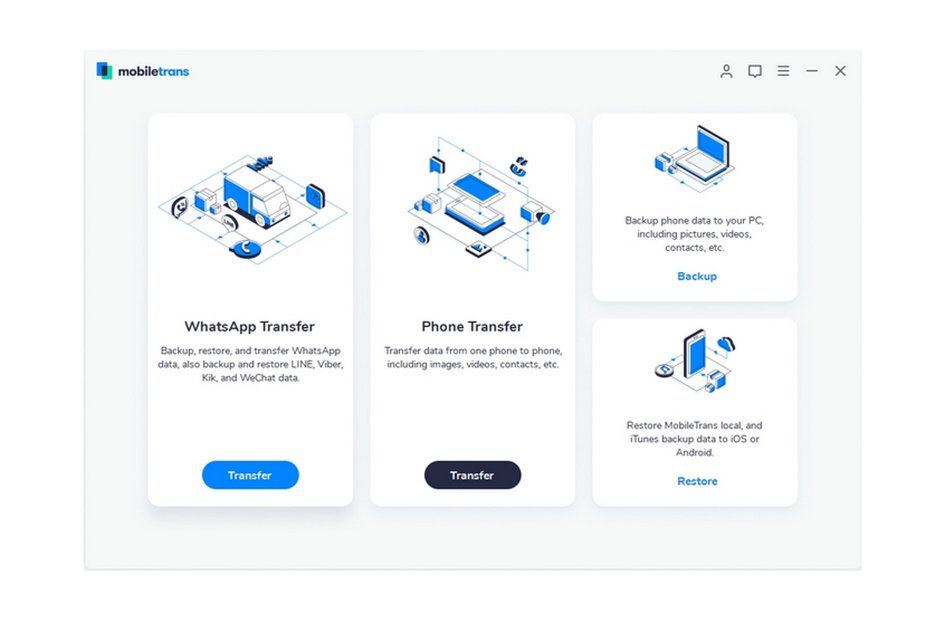
(Pocket-lint) – Changing your phone, or losing it, can be a disaster if you’re active on a lot of WhatsApp chats – even if you can log into your account again from a replacement phone, you risk losing your backlog of messages.That can be really sad, cutting you off from a wealth of messages and media from the people you care most about. Backing up your WhatsApp is a great way around that issue, but isn’t the simplest thing to accomplish by a long stretch. With the help of MobileTrans, though, a superb app from Wondershare, you can backup your WhatsApp from your iPhone to a PC or computer really easily. Here’s how you could benefit.Go the manual routeThere are ways to back up your WhatsApp chats manually, if you’re so inclined, although it takes a lot more effort and is much more fiddly – you can do it by going into each chat’s settings and opting to export it. You’ll have to email it to yourself, too, creating a bunch of files scattered through inboxes and devices for you to then lasso into one place. It’s doable, but we think that MobileTrans offers a better way! In fact, you can watch…
Read More
How to backup WhatsApp from iPhone to PC using MobileTrans