
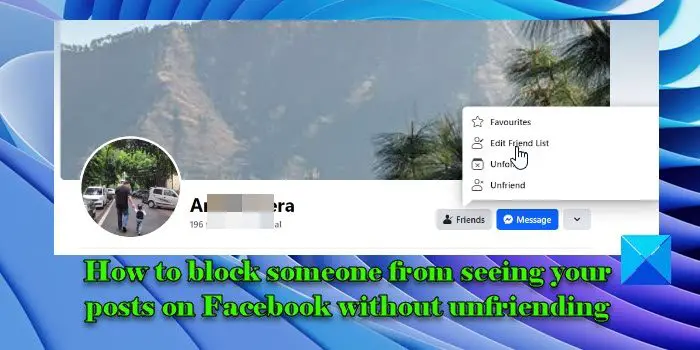
In this post, we will show you how to block someone from seeing your posts on Facebook without unfriending them. The easiest way to stop someone from seeing your Facebook updates is to unfriend them. But you may not feel comfortable unfriending people unless they are acquaintances. So what should you do? You can ‘restrict’ people to limit their interaction with you.Facebook has a ‘restrict’ feature that allows you to add people as ‘friends’ but keeps them from seeing your personal information. The feature comes in handy when you don’t want to unfriend a person (for example, your former colleagues) but at the same time don’t want him to see every update of yours. In this post, we will take you through the step-by-step process of hiding your Facebook posts from people without unfriending them.To block someone from seeing your posts on Facebook without unfriending them, you need to add that person to your ‘Restricted’ list.Restrict people to prevent them from seeing what you share on FacebookOpen the Facebook web app and log in to your account. Go to the profile of that specific person. Click on the Friends option on the right side of his profile picture.A menu will
Read More
How to block someone from seeing your posts on Facebook without unfriending
How to block someone from seeing your posts on Facebook without unfriending