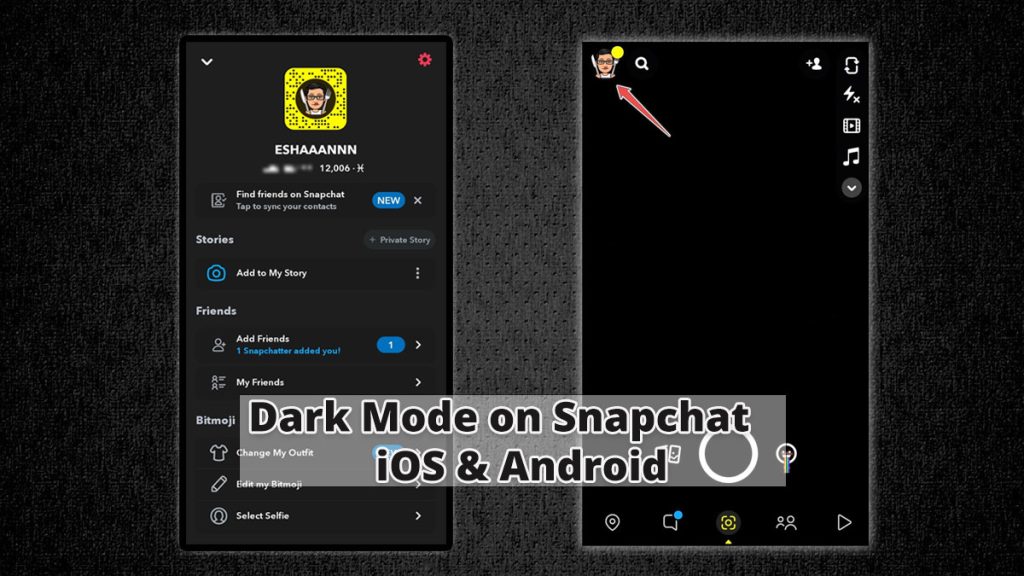
Snapchat is one of the world’s most popular messaging services with around 540 million users monthly. It is also one of the last messaging apps to join the Dark Mode bandwagon, with the Android app still not getting an in-built dark mode toggle. In 2019, both Android and iOS launched system wide dark mode which made it really easy to switch between dark mode and light mode on your device. However, Snapchat didn’t jump the gun and took their own sweet time in releasing dark mode for their app, with dark mode for the iOS app rolling out early last year. Today, we will be showing you the steps to get dark mode in Snapchat on both iOS and Android. How to Enable Dark Mode in Snapchat How to Enable Dark Mode in Snapchat on iOS On the iOS app, Snapchat has a toggle to enable dark mode which they released early last year; however, this is still not very well known. To enable Dark Mode in Snapchat on iOS, just follow the steps below: Click on the Bitmoji icon on the top left corner to open your profile. Now, click on the Settings gear icon on the top right…
Read More
How to Enable Dark Mode on Snapchat for iOS & Android – Techworm