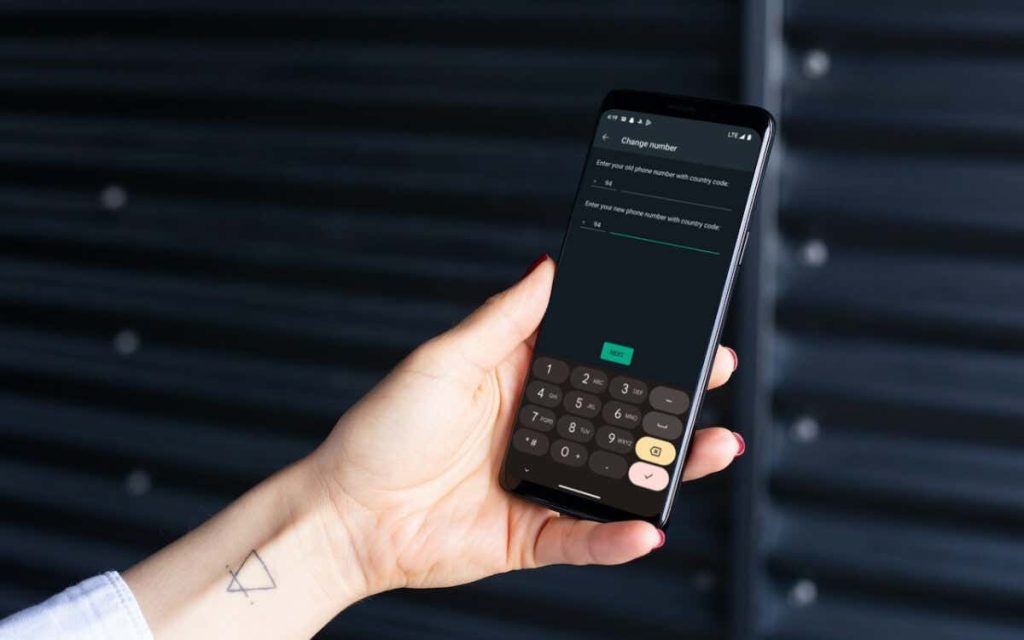
WhatsApp allows you to easily change the registered phone number while retaining your chat history, call records, and account information. This tutorial will walk you through the entire process on iPhone and Android. Did you recently change your phone number? If so, it’s a good idea to update your registered WhatsApp number so new contacts can message or call you on the world’s most popular messaging app. We’ll show you how to find and change your WhatsApp account number on iPhone and Android, including what it takes to switch WhatsApp numbers on a new phone. Find the Current Registered Phone Number on WhatsApp Before changing your mobile number in WhatsApp, you need to find the number currently registered with your WhatsApp account. Skip to the next section if you already know it. Open WhatsApp and switch to the Settings tab. If you use an Android phone, tap the More icon (three dots) at the top right of the screen and select Settings. Tap your WhatsApp profile picture at the top of the screen. Note down the number under Phone Number. Change the Registered Phone Number in WhatsApp WhatsApp’s built in Change Number tool makes it incredibly convenient to switch registered…
Read More
How to Find and Change Your WhatsApp Phone Number – Online Tech Tips