
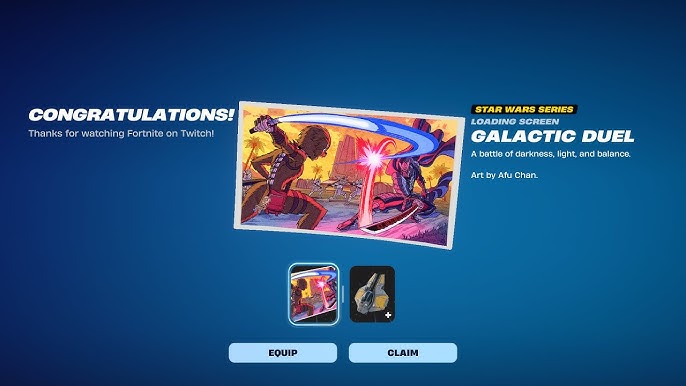
Fortnite has once again teamed up with Twitch to offer players exclusive in-game items through Twitch Drops. This time, the collaboration celebrates the Galactic Battle event, bringing Star Wars-themed rewards to players. By participating in this event, you can unlock unique items like the Growling Chewbacca Emoticon and the Galaxies Collide Loading Screen. Here’s how you can claim these free rewards and enhance your Fortnite experience. Credits – Galixcey Before you can start earning Twitch Drops, you need to ensure that your Epic Games and Twitch accounts are linked. This connection allows the rewards to be properly credited to your Fortnite account. Follow these steps to link your accounts: Log in to your Epic Games account on the official website. Navigate to the “Account” section and select “Connections.” Under the “Accounts” tab, find the Twitch option and click “Connect.” A new window will prompt you to log in to your Twitch account. Authorize the connection between Epic Games and Twitch. Once linked, you’re ready to start earning Twitch Drops. Earn the Growling Chewbacca Emoticon The Growling Chewbacca Emoticon is a fun, expressive item that brings the iconic Wookiee’s charm to your Fortnite communications. To claim this emoticon: Ensure your Epic
Read More
How To Get Free Galactic Battle Twitch Drop Items in Fortnite – TechStory
How To Get Free Galactic Battle Twitch Drop Items in Fortnite – TechStory