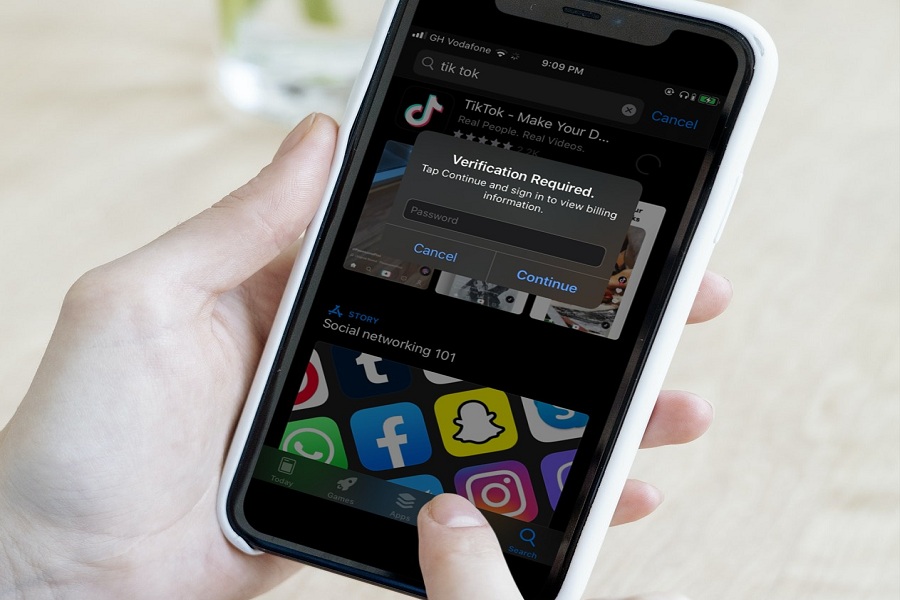
A couple of days ago, one of my friends bought a new iPhone. I helped him to set up the new iPhone and Apple ID. But while downloading free apps like Instagram, YouTube, and others from App Store, the iPhone started showing a Verification Required popup for installing the app. Even when I moved from Android to iPhone, I got tired of the annoying Verification Required App Store message while installing free apps, which was frustrating. But after spending some time on my new iPhone, I found a way to get rid of Verification required App Store message when installing free apps like WhatsApp, YouTube, Instagram, and a lot. How to Turn Off App Store Verification Required When Installing Free App Before you go ahead with this problem, you should know the reason for getting this popup. Why does App Store keep saying Verification is required? When you see the “Verification Required” message while installing any free app from the App Store on your iPhone, it means that there is something wrong with the payment system on your Apple ID. Whether the payment method has failed or there is a pending unpaid balance on the account. Let’s fix the issue…
Read More
How to Stop Verification Required When Installing Free Apps on iPhone – Considering Apple