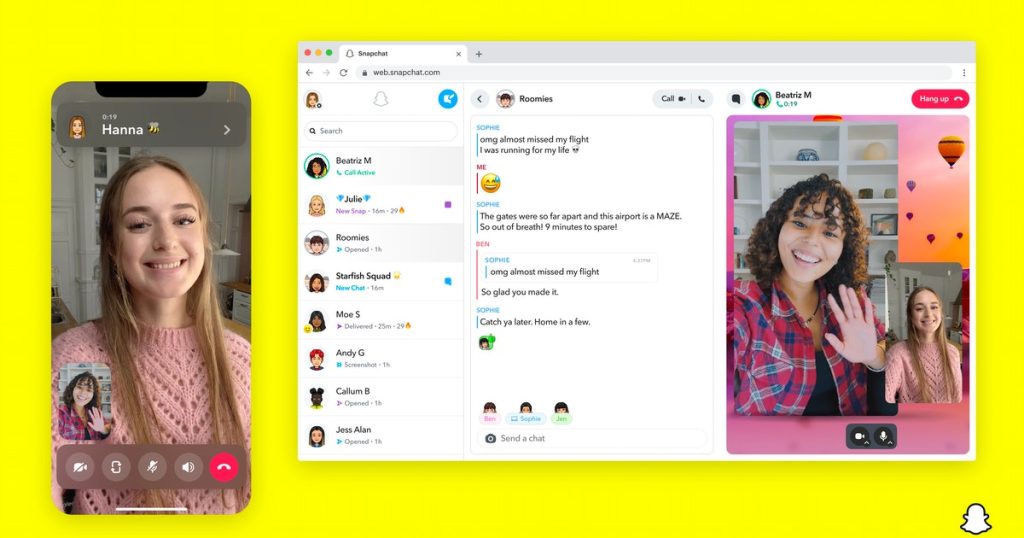
Snapchatters, listen up: there’s a new way to use your favorite app, and it doesn’t involve your phone. On July 18, the social media platform (finally) launched a web version of the beloved app that lets you Chat, Snap, and Call your friends directly from your laptop, but the web version isn’t available for everyone — yet. Here’s the rundown on the how use Snapchat for Web with your Snapchat+ subscription.Get ready to see a major increase in your Snap Score, because the long-awaited web version of Snapchat is here, which means you’ll finally be able to connect with your besties from just about any device. All your favorite Snapchat messaging features, aka Snapping, Chatting, and Calling, are available in the online version of the app, and work pretty much exactly the same way as the app does, so if you’re a true Snap stan, you’ll probably get the hang of the new platform quickly. The web version lets also lets you participate in multiple conversations at once by Chatting and Calling at the same time, Chat Reply and Chat React, and host group Video Calls, just like the app does. Snapchat for web is available now to users in…
Read More
How To Use Snapchat For Web To Snap, Chat, & Video Call From Your Computer