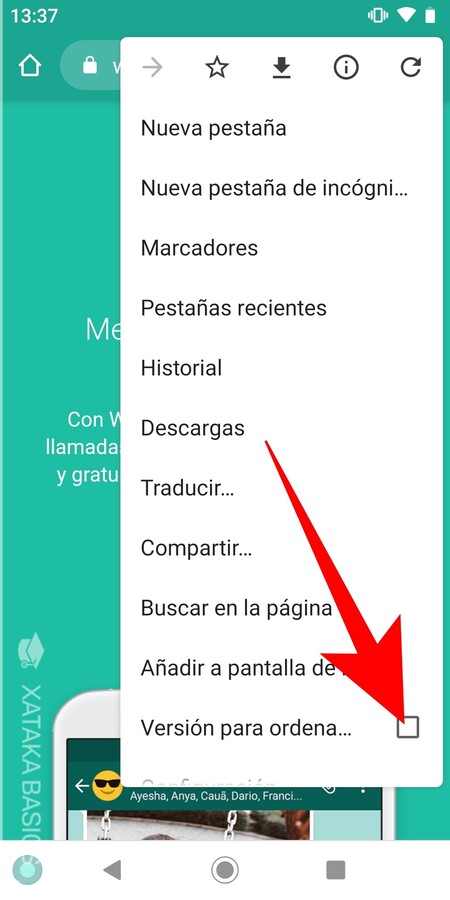
We are going to explain to you how to use WhatsApp on two mobiles at the same time, a procedure for which we are going to use WhatsApp Web. For now, WhatsApp can only be used on one mobile phone at a time, and if you log in on a second phone you have, it will be closed on the main one. But this can be avoided by using WhatsApp Web on mobile. It should be remembered that this is a temporary trick to bypass the great limitation of WhatsApp. However, it is more designed for specific cases, and if it seems too cumbersome to do it on a daily basis, you may prefer to wait. And it is that WhatsApp is finalizing the details in a multi-device way that should not take too long to arrive. WhatsApp on two mobiles at the same time The first thing you have to do is enter web.whatsapp.com. The web will detect that you are from a mobile, and will take you to the download page. To avoid it, what you have to do is open your browser options and choose the option to Browser version. This will cause that when you return…
Read More
How to use WhatsApp on two mobiles at the same time with its web version