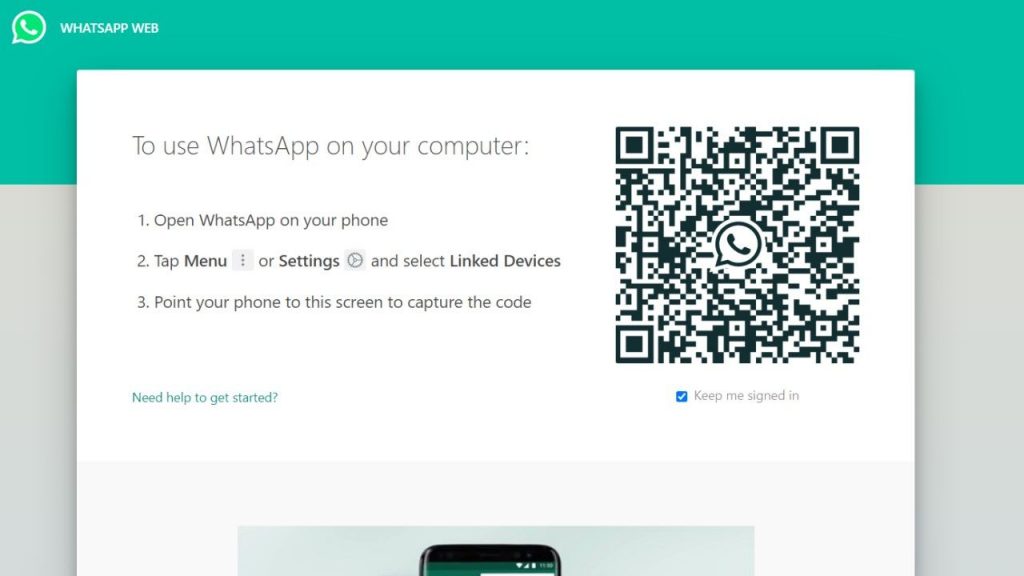
Facebook-owned WhatsApp messaging app is one of the most used apps in the world. The app has replaced SMS and is fast becoming a primary mode of communication. The best thing about WhatsApp is that it’s easy to use, and free for everyone. The app allows you to send messages, make voice or video calls as well. You can also send documents, photos, Gifs, videos, and much more by the app. Organisations also use the app to form collaborative workgroups in order to share instant messages for which an email is not necessary. The messaging app is used on mobile primarily, however it is also available to use on the web through WhatsApp Web. The WhatsApp Web feature was unveiled in 2015 by the company and makes it convenient to check your messages from your desktop. It is very easy to connect to the WhatsApp web on your laptop. Follow the WhatsApp web steps below to install the desktop app or open it on your browser. WhatsApp allows the main device to stay connected to the internet. After you stay away from your laptop for some time, the WhatsApp Web will be disconnected automatically. Any disturbance in your internet connection…
Read More
How to use WhatsApp Web: Check out our step-by-step guide