
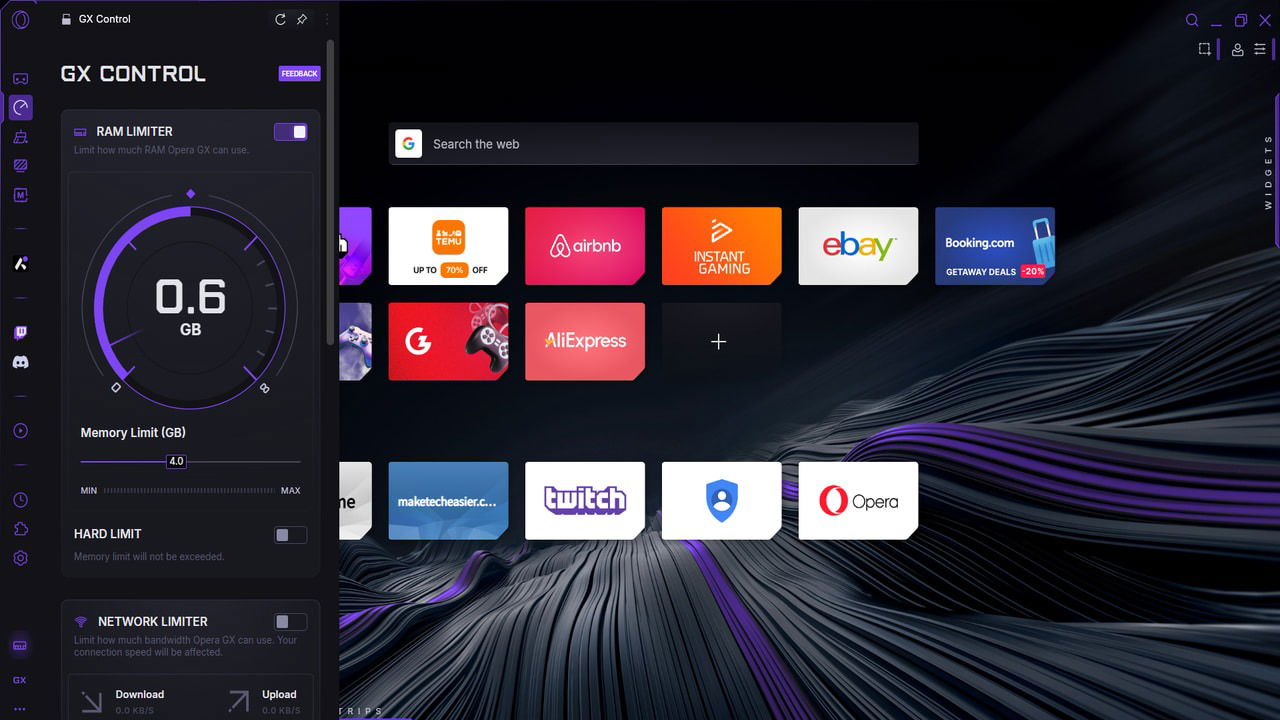
Many gamers keep a browser running in the background during play, ready to Alt + Tab when gameplay slows or downtime strikes. Yet, opening multiple tabs, especially heavy sites like YouTube or Twitch, can quickly drain system resources, causing FPS dips and stutters. With Opera GX, a gaming browser by Opera, you can significantly reduce these performance hits thanks to its specialized features that we’ll discuss below. Limit Opera GX Resources Using GX Control This is one of the most useful features of Opera GX to improve gaming performance. Using GX Control, you can limit Opera GX resource usage, including RAM, CPU, and Network. Normally, browsers keep eating resources as you use them and will take game resources if needed. With limits, Opera GX will make sure your game always has sufficient resources, even if it leads to issues when browsing. To use the tool, click on the GX Control button in the left toolbar, and you’ll see RAM Limiter, Network Limiter, and CPU Limiter options. Here’s how to manage all three: RAM Limiter: it uses 0.50 GB increments, with a minimum being 1GB RAM. You should try to at least set 25% of the total RAM for Opera GX for
Read More
Play Games and Browse the Web Without Performance Drop with Opera GX
Play Games and Browse the Web Without Performance Drop with Opera GX