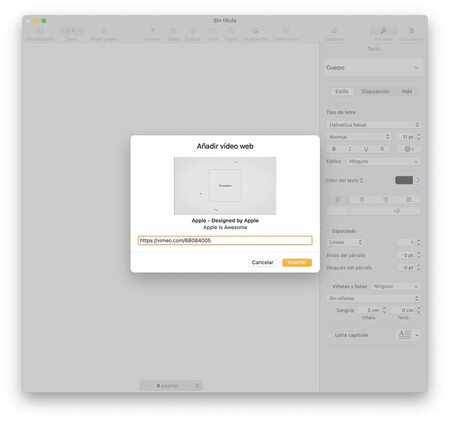
Many Pages, Numbers, and especially Keynote documents can greatly benefit from displaying the odd video. We can insert them directly from our Mac, iPad or iPhone or we can add them from online services such as YouTube or Vimeo. Let’s look at this second option. Pages, Numbers or Keynote with videos just like on the web Inserting a video that we have downloaded into a Pages, Numbers or Keynote document is very simple. We just have to drag it to the document, just like we would do with the photos. The advantage of using downloaded videos is that they can be played without the need to be connected to the internet. The downside, however, is that increase the size of the document, something that depending on the length of the video may be excessive. In these cases it is best host the content in an online service like Vimeo or YouTube to be able to insert the player. The steps are very simple and practically identical on both the Mac and the iPhone or iPad. In the first case, based on the fact that we already have a document open and ready, they are the following: We hit the button…
Read More
So we can insert YouTube or Vimeo videos in our Pages, Numbers or Keynote documents