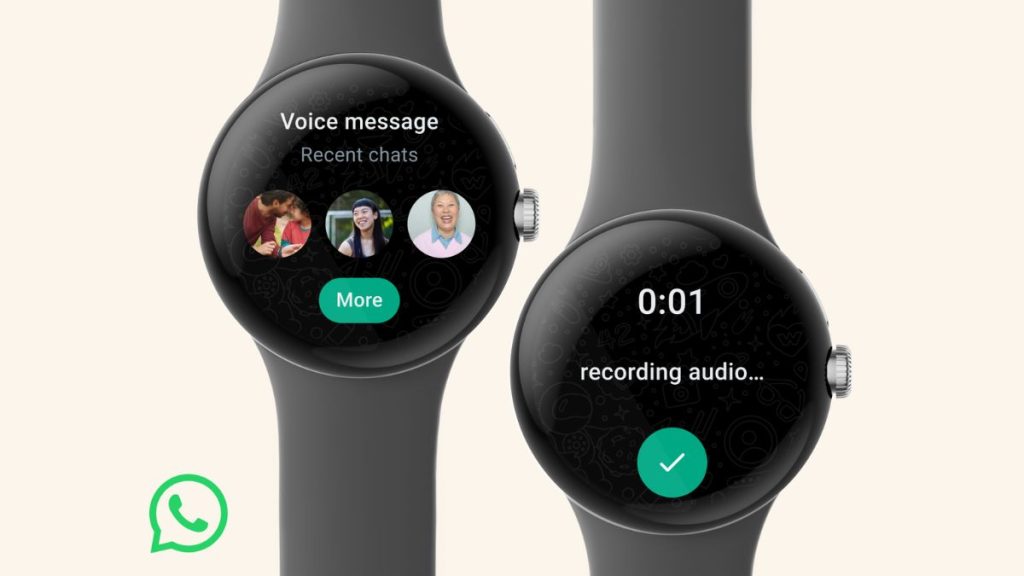
JE Technology Desk: WhatsApp recently unveiled WhatsApp for Wear OS for smartwatches. This empowered Wear OS 3 (or above) running smartwatch owners to tune into the Meta-owned app from their wrist. It enabled users to start conversations, reply to chats with voice and answer calls from their smartwatch directly. But, there is a lot of confusion around its use. Worry not. Read on as we try to solve all your curiosities via this report. A smartwatch to run WhatsApp must have Wear OS. The operating system is broadly available in offerings from Samsung, Google, Fossil and other premium smartwatches. Do note this is not available on an Apple Watch as they run on Apple’s watchOS. An LTE-connected Wear OS 3-powered smartwatch would eliminate the need to scan a smartphone in near surroundings to access WhatsApp. And finally, to address the excitement and push aside all the technicalities, here is a step-by-step process to link your WhatsApp to your smart wrist gadget. Also Read: Meta Introduces WhatsApp On Smartwatches Running On WearOS; Why Is It A Good News? WhatsApp for Wear OS: How To Download? Step 1: Tune into your Wear OS 3-powered smartwatch Step 2: Head to the Play Store and
Read More
WhatsApp On Smartwatch: Now Access Your Chats, Calls, Other Important Alerts All On Your Wrist