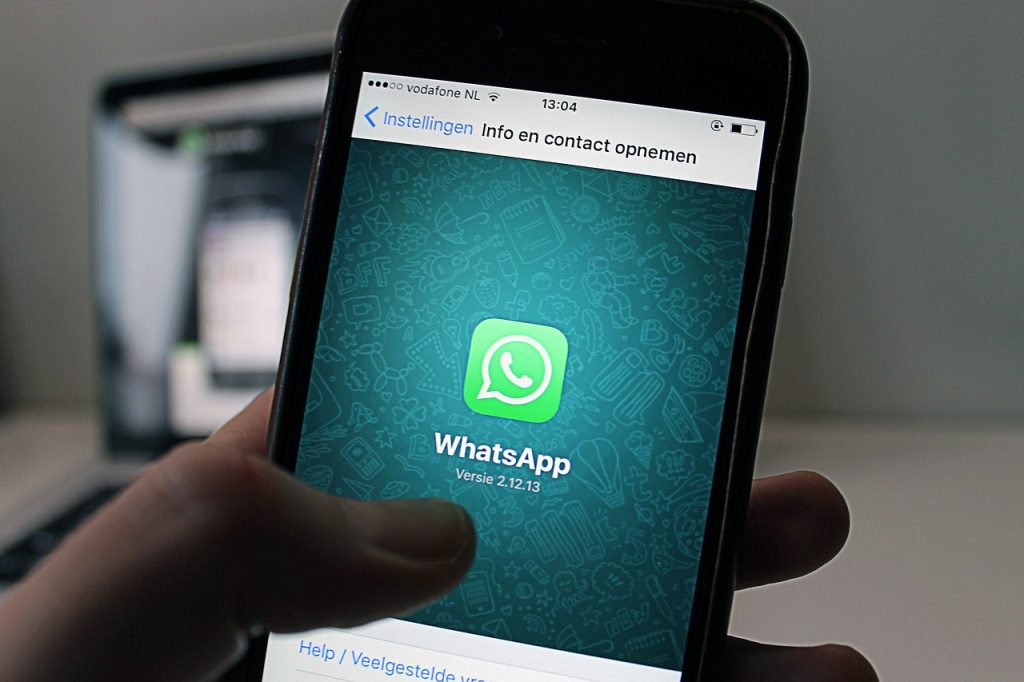
If you find yourself in a situation where you’ve just been sent a very important message on WhatsApp and you need to save it to your pc, or have it bookmarked in your email, you’ve come to the right place. This Syrus guide will help you go step by step to see how to send a WhtasApp message to an email. The task to be done, as you will see below, is very simple, you can do it using the WhatsApp application for Android and iOS operating systems. Or you can also forward your WhatsApp message from your computer using WhatsApp desktop client services or WhatsApp web. All you’ll have to do is perform the chat export or, copy and paste a message to email it. How to send a WhtasApp message to an email As just mentioned above, one of the methods of sending a WhatsApp message to an email is to export chats. We are talking about a built-in feature of the WhatsApp application that allows you to save all the messages contained within a single chat, with the purpose of sending them via email. So let’s quickly see how to do it if you use an Android
Read More
WhatsApp: send message to an email – Syrus