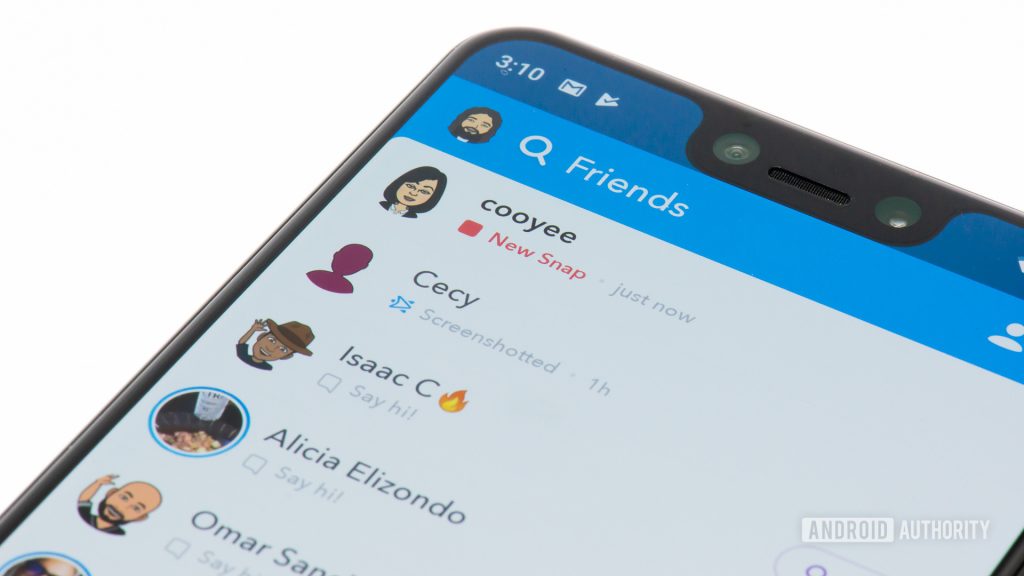
How to change your username on Snapchat You can only change your Snapchat username once a year. There is no way to pay a premium to get this token back, so make sure you’re comfortable with your decision. You will not be able to change your username again for another 365 days. Tap your profile picture in the top left. On your profile, tap the gear-shaped Settings button in the top right. Tap the Username button. Tap Change Username. In the confirmation box warning that you can only change your username once a year, tap Continue. How to change your display name on Snapchat Your Snapchat display name is what most other users will see on the front end. You can change this to customize how your name appears in direct message threads and group chats. Tap your profile picture in the top left. On your profile, tap the gear-shaped Settings button in the top right. Tap the Name button. Type in a new display name and exit to finish. Read more: How to delete your Snapchat account
Read More
How to change your Snapchat username – Android Authority