
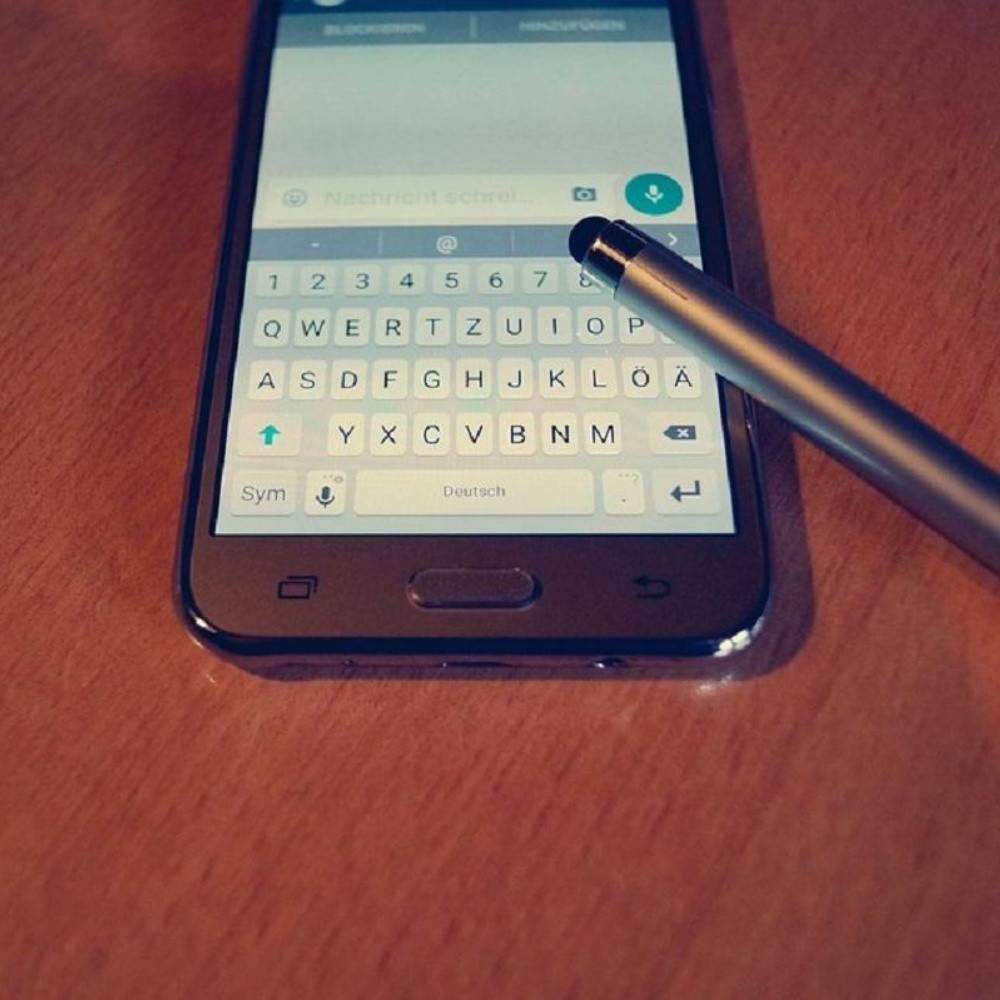
Has it ever happened to you that a person deletes a WhatsApp message without being able to read it first? Either because it was misspelled or because he regretted what he said, there is always the question of what he meant, for these cases there is a way in which you can read it even if he has deleted it. The free application Notisave, which you can download from the Play Store, can help you in these cases, the only disadvantage is that it is only available for Android. Using it is simple, you just have to give it the necessary permissions when installing it and once configured you can close it since it works in the background. We tell you how to read a deleted message. Photo: Pixabay How does it work? The first requirement is that one of your contacts delete a WhatsApp message. If this happened and you want to know what it said, you should minimize the messaging application and open Notisave. When you do this, all the chats you have will appear, whether individual or in a group. Find the chat where the deleted message you want to read is and that’s it. In this…
Read More

Tuesday, September 29, 2026

Tuesday, September 29, 2026
Did they delete a WhatsApp message? Getting it back is easy

ADVERTISEMENT
- Trending
- Comments
- Latest








We bring you the best news, updates, reviews, and events coverage surrounding the worlds top Social Network Companies.
