
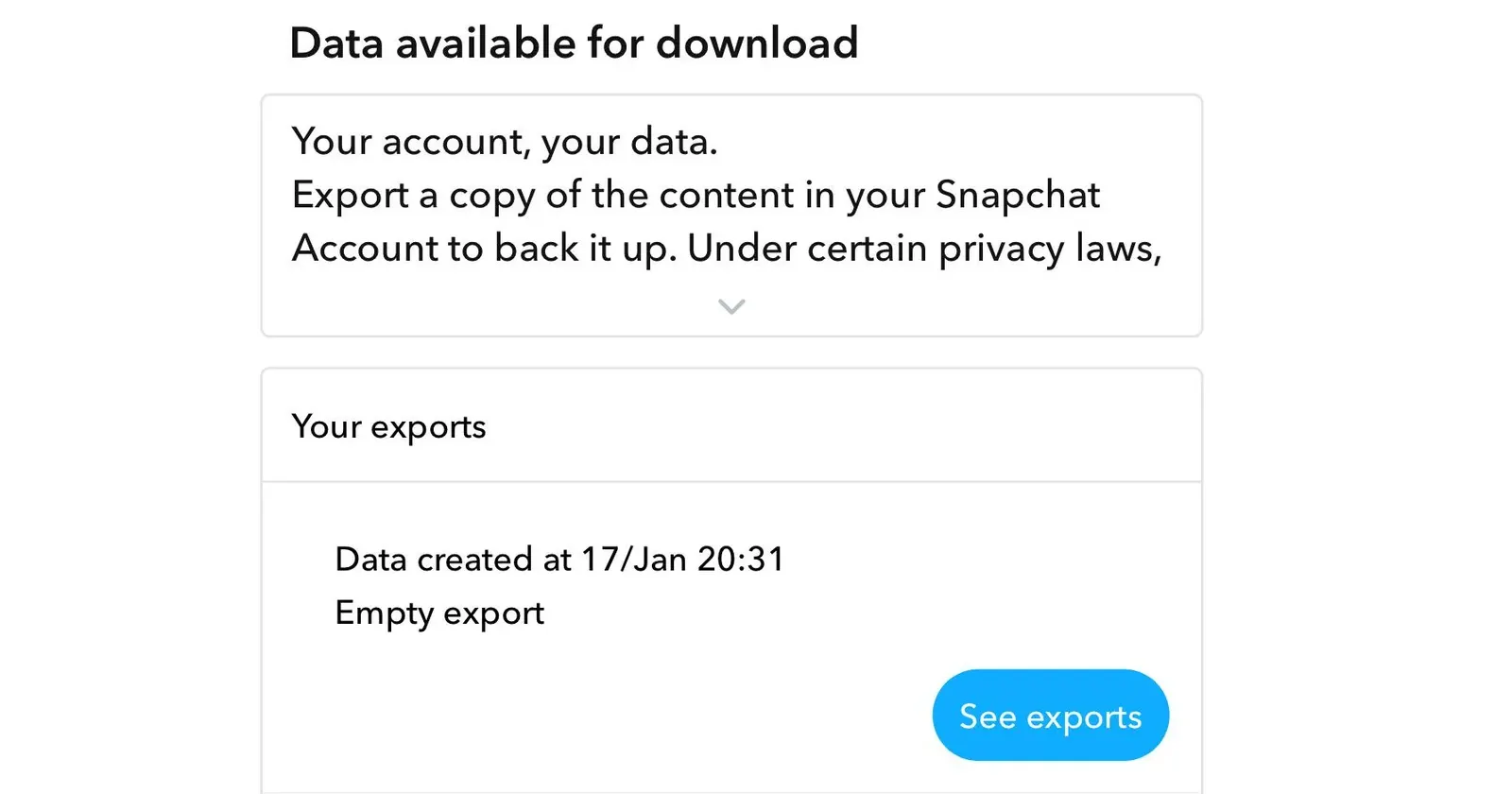
It seems like some Snapchat users are running into a frustrating roadblock when trying to back up their Memories. Multiple reports on Reddit describe the same problem: requesting a data download through the “My Data” feature, only to receive a file labeled “empty export” instead of their photos and videos. The issue appears to have surfaced in recent days. One user posted on r/SnapchatHelp explaining they tried every combination possible when selecting data to include. They attempted exporting just Memories, Memories with JSON files, Memories with chat history, and even all three options together. Each attempt resulted in the same “empty export” message. Users claim that they are following Snapchat’s official process correctly. They’re logging in through desktop browsers (Chrome, Safari, and others), selecting their preferred data options, waiting for the email confirmation, and then clicking the download link. But when they open the file, there’s nothing inside. Another thread from two days ago shows users experiencing identical problems. One commenter tried downloading through both Chrome and Safari on their laptop, hoping switching browsers might help. It didn’t. They mentioned there’s no clear way to even contact Snapchat support about the issue. This is confusing some users because they say
Read More

Saturday, August 29, 2026

Saturday, August 29, 2026
Users report “empty export” error downloading Snapchat Memories – PiunikaWeb

ADVERTISEMENT
- Trending
- Comments
- Latest








We bring you the best news, updates, reviews, and events coverage surrounding the worlds top Social Network Companies.
