
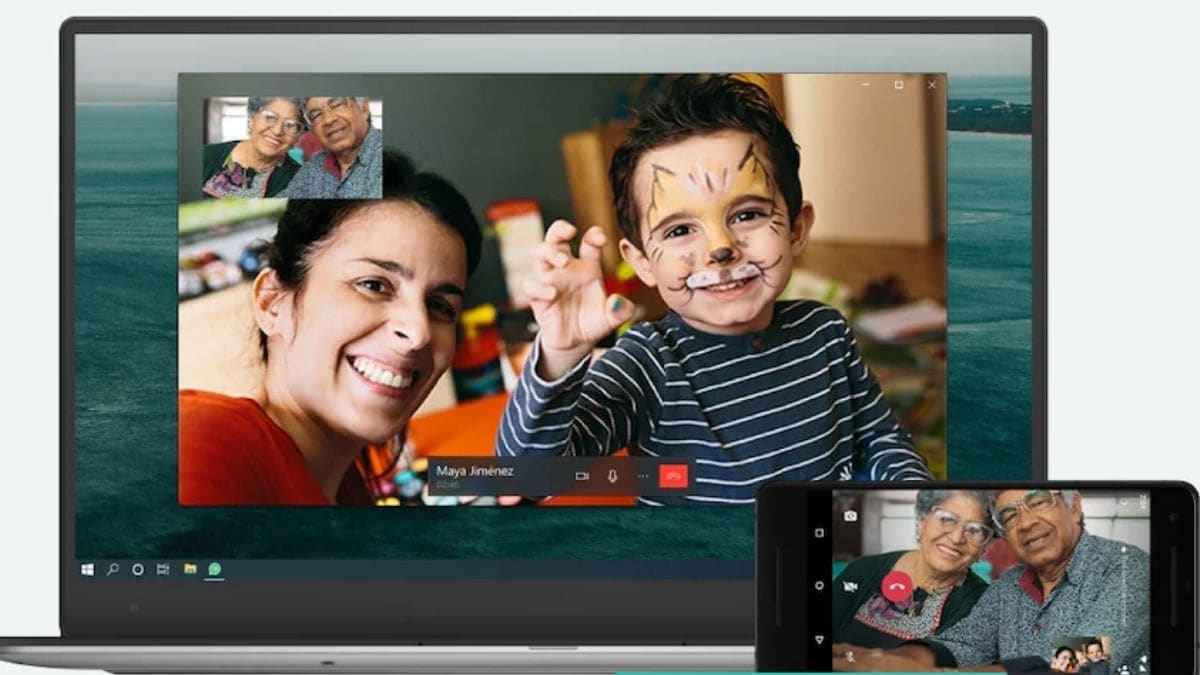
WhatsApp now lets you make or receive voice and video calls on its desktop app for Windows and Mac. The feature was earlier being rolled out for select users only, but now it is available for everyone in India. It will be useful for those who use WhatsApp desktop every day for work or personal purposes.How to Download WhatsApp Desktop AppsIf you don’t have WhatsApp on your computer, you can download it for Windows 32-bit here, Windows 64-bit here and Mac here.Which versions of WhatsApp’s desktop apps can make calls?WhatsApp says the calling feature is supported on Windows 10 64-bit version 1903 or newer and macOS 10.13 or newer. But you can only make one-to-one WhatsApp calls as of now, as group calls aren’t supported on WhatsApp’s desktop app at the moment.System requirements for WhatsApp video calls on PCTo make WhatsApp voice and video calls on the desktop, you will need three things: An audio output device and microphone for calls. If you want to make video calls, you also need a webcam. An active internet connection on your computer and phone. Additionally, you will be required to grant WhatsApp permission to access your computer’s microphone and camera to make…
Read More

Wednesday, September 16, 2026

Wednesday, September 16, 2026
WhatsApp PC Video Call: How to Make Voice and Video Calls on WhatsApp for Windows or Mac

ADVERTISEMENT
- Trending
- Comments
- Latest






We bring you the best news, updates, reviews, and events coverage surrounding the worlds top Social Network Companies.
