
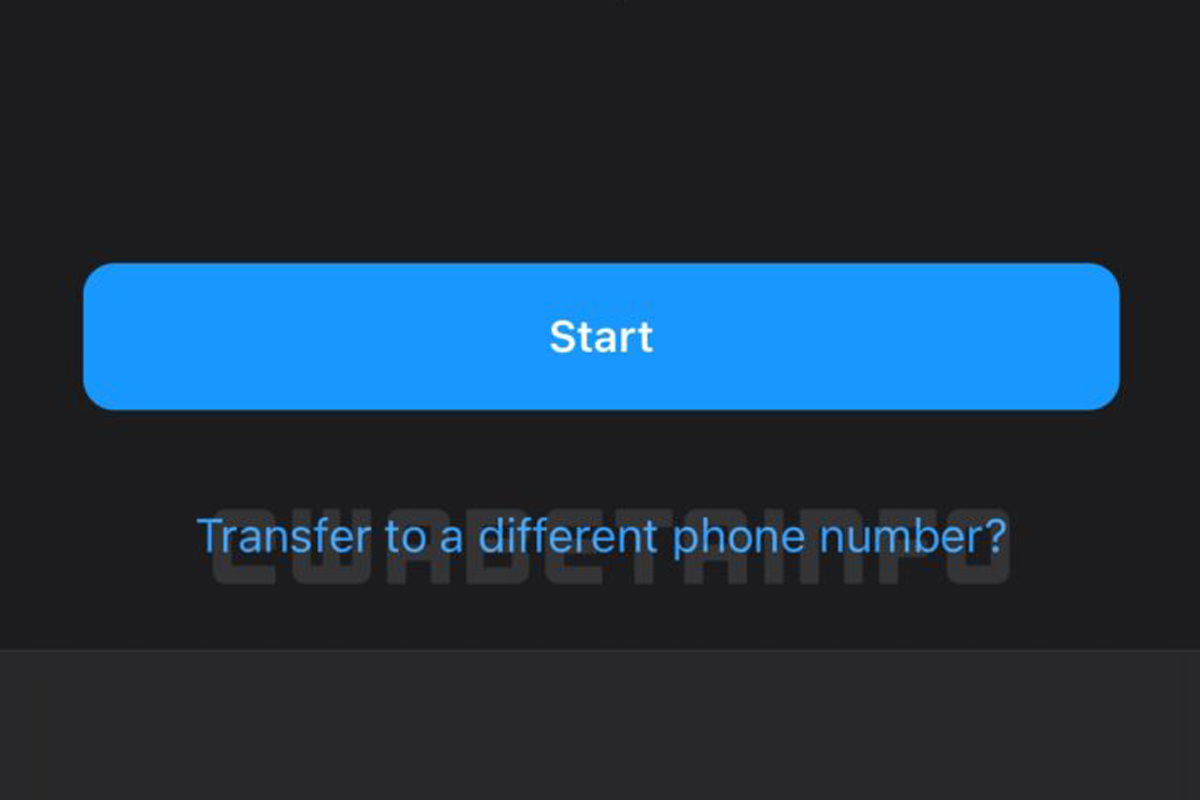
Migrating your WhatsApp chats from one phone to another can be hard if the ideal conditions are not met. Currently, if you want to restore your chats from a fresh WhatsApp install, you need to have a previous backup on your device or cloud service of choice, and it needs to be from both the same phone number and the same platform (Android backups can be restored on Android only and iOS backups can be restored on iOS only). In the case of the latter, it was teased a few weeks ago that WhatsApp was working to allow chat migration from iOS to Android and vice versa, but chat history was still tied to your phone number. Now, WhatsApp might let you transfer your chat history to a different phone number as well.This was teased on WABetaInfo, a site dedicated to exploring unreleased WhatsApp features, and they uncovered new screenshots of the iOS-Android migration tool, including one with a “Transfer to a different number?” link that would, presumably, take you to a similar tool that would migrate your chats and tie them to your new phone number. This is especially useful if you’re making a move to a new smartphone…
Read More

Tuesday, September 8, 2026

Tuesday, September 8, 2026
WhatsApp may soon let you transfer your chats to a different phone number

ADVERTISEMENT
- Trending
- Comments
- Latest








We bring you the best news, updates, reviews, and events coverage surrounding the worlds top Social Network Companies.
