
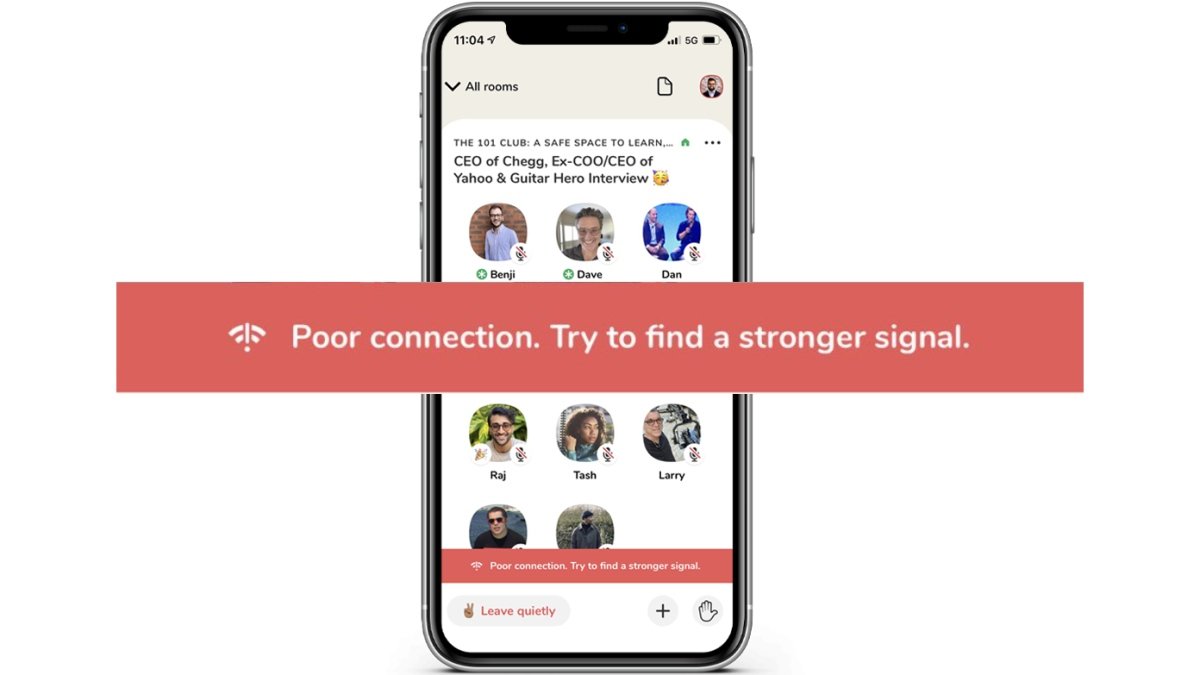
Over time, Clubhouse has turned into a popular audio social network app used by millions across the globe. Initially available only for iOS, the app is now available even for Android users. It’s quite polished and works well for the most part. However, lately, many users have complained that their Clubhouse app says “Poor connection. Try to find a stronger signal” with no audio. For some, the app works only when connected to Wifi. If you’re facing any such issues, do not worry. Here are some quick ways to fix the poor connection error in the Clubhouse app on Android and iPhone. Related | 11 Clubhouse App Tips & Tricks to Get the Most Out of it! Fix Poor Connection Issue in Clubhouse App Every @joinClubhouse room I join is showing me this error and I’m getting no audio. Is this just happening to me? “Poor connection. Try to find a stronger signal.” My last speedtest had 217/119 Mbps up/down. /cc @pdavison pic.twitter.com/MCX9e7fu7u — ⌗ChrisMessina (@chrismessina) February 24, 2021 The most common issue with the Clubhouse app is the “Poor connection. Try to find a stronger signal” message when you join a chat room. Moreover, the audio stops working and you…
Read More

Friday, September 25, 2026

Friday, September 25, 2026
8 Ways to Fix Poor Connection Error in Clubhouse App

ADVERTISEMENT
- Trending
- Comments
- Latest






We bring you the best news, updates, reviews, and events coverage surrounding the worlds top Social Network Companies.
