
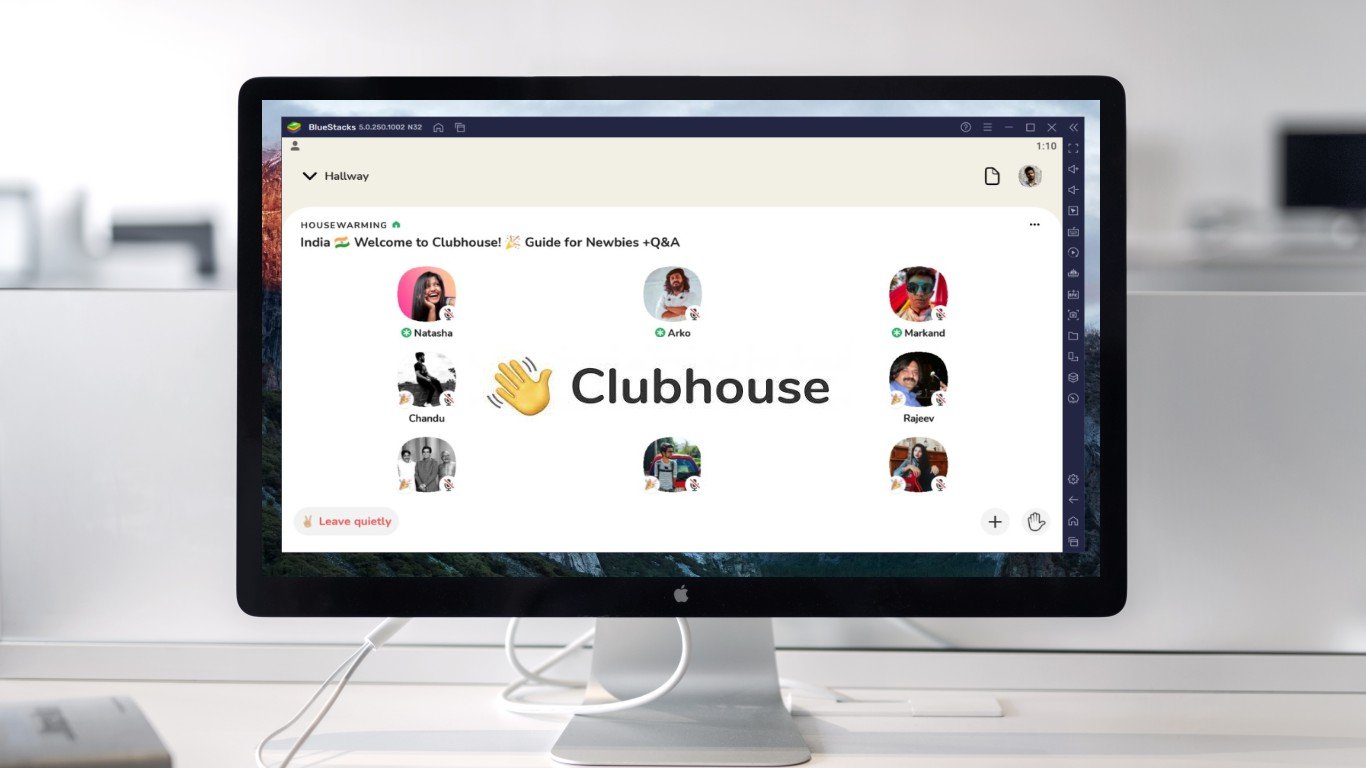
The popular audio-chat social platform Clubhouse was initially available only for iPhone users. Later, it arrived on Android. However, we still don’t have an official desktop version of the Clubhouse app, which might disappoint people who want to access the platform on their laptops or desktop. But that doesn’t make it impossible. Here are three easy ways to use the Clubhouse app on your Mac or Windows PC. Related | Enable Dark Mode in Clubhouse App (Android, iOS) Download, Install and Use Clubhouse Audio-Chat App On Mac or Windows PC With hundreds and thousands of listeners joining, it gets difficult for moderators to manage the rooms, especially on the small screens of mobile devices. And hence, they prefer using Clubhouse on the larger screen of their PC. At the same time, some people prefer listening or speaking in the rooms directly from their PC. And thankfully, it’s very much possible. Below are three different methods to use Clubhouse on your computer’s large screen. Method 1- Using Clubdeck Clubdeck is an unofficial desktop client for the Clubhouse app. Using it, you can access the Clubhouse app on your Windows or Mac computer within a few simple taps. It also offers special…
Read More

Friday, August 28, 2026

Friday, August 28, 2026
3 Ways to Use Clubhouse App on PC (Windows, Mac)

ADVERTISEMENT
- Trending
- Comments
- Latest







We bring you the best news, updates, reviews, and events coverage surrounding the worlds top Social Network Companies.
