
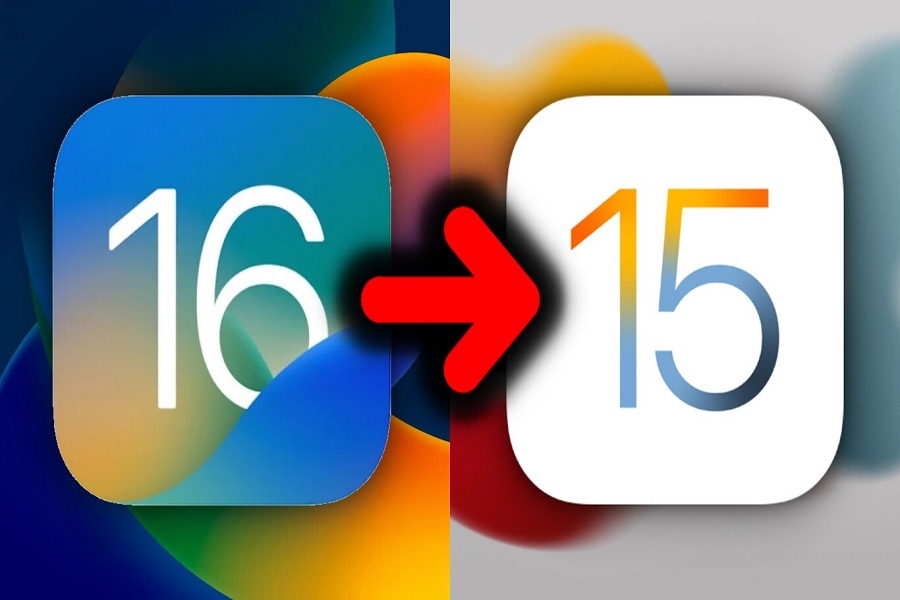
The new iOS 16 beta release is now available for iPhone 13, iPhone 12, and other qualifying iPhone models, allowing developers to get hands-on experience with the new capabilities before updating their apps. Other users, on the other hand, may have loaded the iOS 16 beta update on their primary devices in order to be among the first to experience the new features. Beta upgrades might be problematic and cause the battery to drain more quickly than usual. And as we mentioned it in or earlier post that it is not a wise decision to install the beta version on your iPhone as it may create many problems. Fortunately, users may uninstall iOS 16 beta version even after installing iOS 16 beta 2 or any later iOS 16 beta update on your iPhone. Once you update your iPhone to the iOS 16 beta version, you will most likely receive all beta updates until the final version of iOS is released. However, uninstalling the iOS 16 Beta profile may help you. It not only helps you in getting rid of the beta program, but it also halts the beta updates, which are almost certainly riddled with flaws. How to Uninstall iOS…
Read More

Saturday, October 24, 2026

Saturday, October 24, 2026
How To Uninstall iOS 16 Beta: Let's Downgrade to iOS 15 – Considering Apple

ADVERTISEMENT
- Trending
- Comments
- Latest







We bring you the best news, updates, reviews, and events coverage surrounding the worlds top Social Network Companies.
