
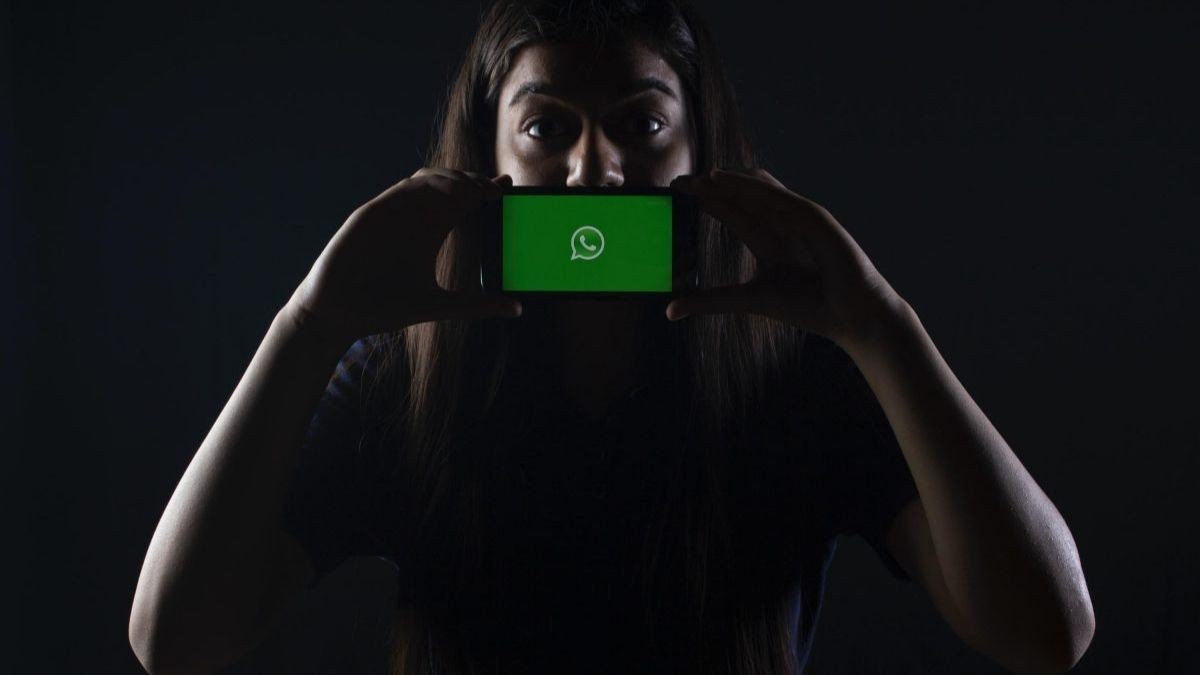
How to use dark mode, namely “Dark Mode”, in WhatsApp, one of the most popular instant messaging applications in the world? Here’s how to use WhatsApp darkmode! The popular instant messaging application WhatsApp is constantly coming up with new updates for its users. One of these updates is the dark mode, namely Dark Mode. The dark mode feature, as the name suggests, is that the application screen appears black instead of white. In the light of this information we have stated, we have prepared a guide about making darkmode on WhatsApp. Methods to Use Dark Mode on WhatsApp DarkMode in WhatsApp; It is used differently on Android and iOS devices. How to Make WhatsAppDarkMode on Android Devices?First, the WhatsApp application is opened.Click on the three dots in the upper right corner of the screen.Open the Settings menu and select “Theme” from the “Display” heading.Select the “Dark” theme from the window that opens. WhatsApp iPhone – How to Set Dark Mode on iOS Devices When iPhone is on the home screen, swiping the bottom bar up opens the control center. Press and hold the column where the brightness is adjusted. The dark mode in the lower left corner of the brightness
Read More

Friday, September 25, 2026

Friday, September 25, 2026
How to Use Dark Mode in WhatsApp? – Expat Guide Turkey

ADVERTISEMENT
- Trending
- Comments
- Latest






We bring you the best news, updates, reviews, and events coverage surrounding the worlds top Social Network Companies.
