
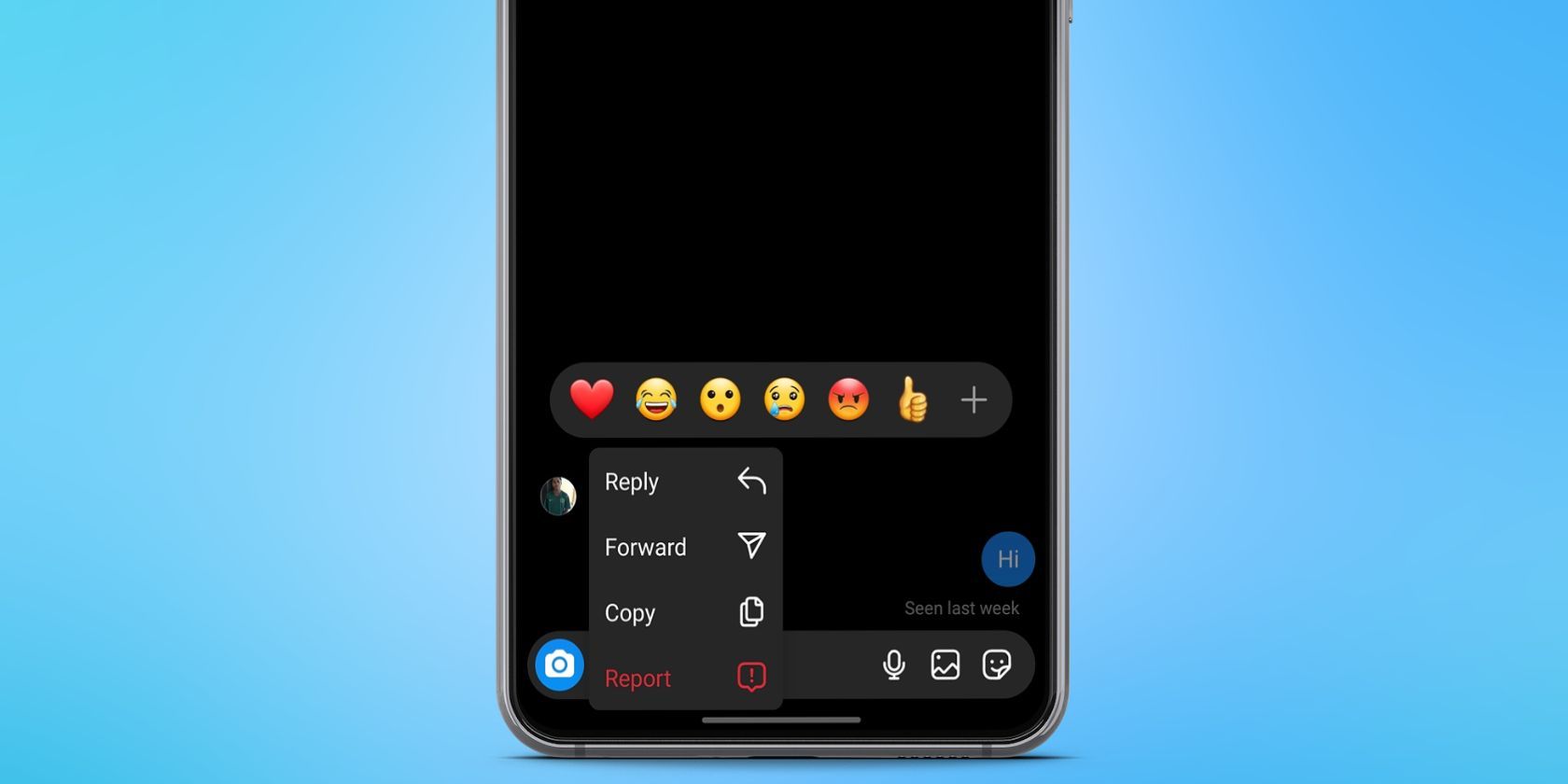
Instagram’s Direct Messages (DM) feature allows you to send an emoji reaction to received messages. Message reactions are a nifty way to acknowledge or respond to messages on Instagram without typing out a response. While they may not always replace responses, they can be helpful when you don’t have the time or energy to reply immediately. Read on if you’d like to know how to react to messages on Instagram. How to React to Messages on Instagram Can’t react to messages on Instagram because you don’t know how? Here are the steps you need to follow: Open your Instagram app, navigate to your chats, and locate the message you want to react to. Tap and hold on to the message until a row of reaction icons appears. Select the emoji that you would like to react with. Tap the plus icon to choose other emoji reactions. The emoji will appear as a small icon below the message, and the sender will be notified of your reaction. You can remove or change your reaction at will by tapping the emoji again. Instagram message reaction emojis are one of the useful features you can use in Instagram DMs. Tips for Reacting to
Read More

Saturday, September 19, 2026

Saturday, September 19, 2026
How to React to Messages on Instagram – MakeUseOf

ADVERTISEMENT
- Trending
- Comments
- Latest







We bring you the best news, updates, reviews, and events coverage surrounding the worlds top Social Network Companies.
