
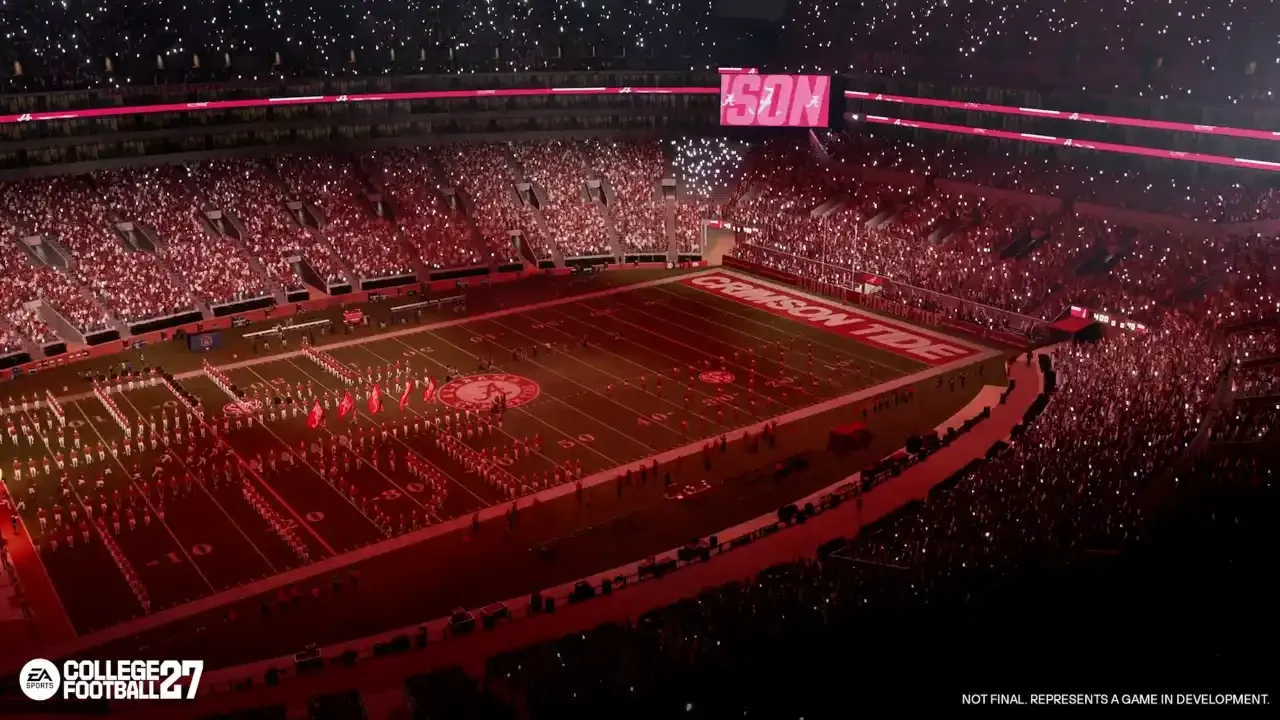
If you want to squeeze every drop of free loot out of EA Sports College Football 27, you are going to need to take advantage of Twitch Drops. Watching other people play the game is an incredibly easy way to pad your College Ultimate Team (CUT) inventory, but EA has buried the actual mechanics of claiming and spending these rewards behind a wall of token conversions and account linking. If you are already grinding away on my EA Sports College Football 27 field pass rewards guide, you can easily double dip by throwing a stream on your second monitor. I have broken down exactly how to properly sync your accounts and manage your Campus Tokens so you don’t miss out on a free pack. How To Properly Link Your Accounts If your EA Account isn’t properly bound to your Twitch profile, you are just watching streams for your own health. You need to head over to Twitch and manually link your EA Account to your Twitch account in your connection settings. If you don’t have an EA Account yet, you obviously have to create one first. When you boot up College Football 27 for the first time, the game will
Read More

Wednesday, September 23, 2026

Wednesday, September 23, 2026
EA Sports College Football 27 Twitch Rewards Explained – NeonLightsMedia

ADVERTISEMENT
- Trending
- Comments
- Latest







We bring you the best news, updates, reviews, and events coverage surrounding the worlds top Social Network Companies.
