
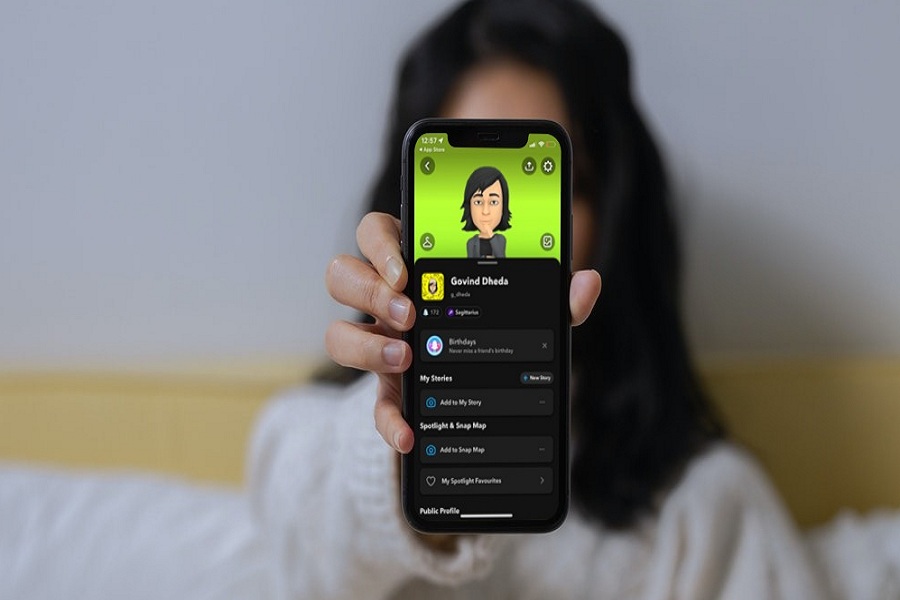
Nowadays, people are more into Snapchat. Teenagers love to use the Snapchat app for aesthetic filters and explore the discover section. But using the app late at night with full brightness can harm the eyes and cause headaches. That is why Snapchat dark mode came to light. Since many apps started introducing Dark Mode, Snapchat also added the Dark Mode option for Android and iPhone users. And here, we will show you how to make your Snapchat dark mode on iPhone. Many users are not aware that Dark Mode in Snapchat is available within the app settings. Once you get Dark Mode on Snapchat on your iOS device, it will help to reduce eye strain at night and let you sleep peacefully. How To Get Dark Mode on Snapchat In iOS 15 on iPhone Apple has already added Dark Mode on iPhone with iOS 13. But it will also turn dark for system apps. Users should enable Dark Mode on Snapchat specifically within the app. If you don’t know how to turn on Snapchat Dark Mod on iPhone, let’s check out the below steps without any hesitation. Open the Snapchat app on iPhone.Next, tap on your Profile (Bitmoji) at the top…
Read More

Thursday, October 1, 2026

Thursday, October 1, 2026
How To Get Dark Mode on Snapchat on iPhone – Considering Apple

ADVERTISEMENT
- Trending
- Comments
- Latest






We bring you the best news, updates, reviews, and events coverage surrounding the worlds top Social Network Companies.
