
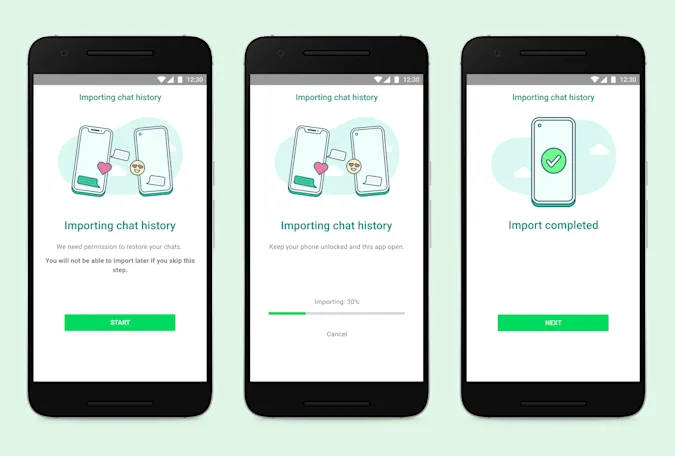
Changing operating systems today can be super hard, especially since most companies don’t provide a lot of help when it comes to data migration to a new OS. However, WhatsApp data has now become one of the most important assets of a user, and thus, needs to be preserved even when you change your smartphone. To help with this situation, the company is looking to facilitate migration from iOS to Android (Samsung) devices with a new feature. This is a step up from the current situation, which requires users to let go of their chat history while moving to a different operating system. In order to migrate your WhatsApp chat history from your iPhone to your new Samsung phone, you need to turn on your Samsung device and connect to your iPhone by cable when the prompt comes. Then follow the instructions given by the Samsung Smart Switch, and when the prompt comes, scan the QR code displayed on the screen. Following this, tap “Start” on the iPhone and wait for the process to complete, and continue setting up the new Samsung phone. Open WhatsApp once you reach the home screen and log in using the same number on your…
Read More

Tuesday, September 1, 2026

Tuesday, September 1, 2026
Here's how you can transfer Whatsapp from iOS to Samsung, but with a catch – The Tech Portal

ADVERTISEMENT
- Trending
- Comments
- Latest






We bring you the best news, updates, reviews, and events coverage surrounding the worlds top Social Network Companies.
