
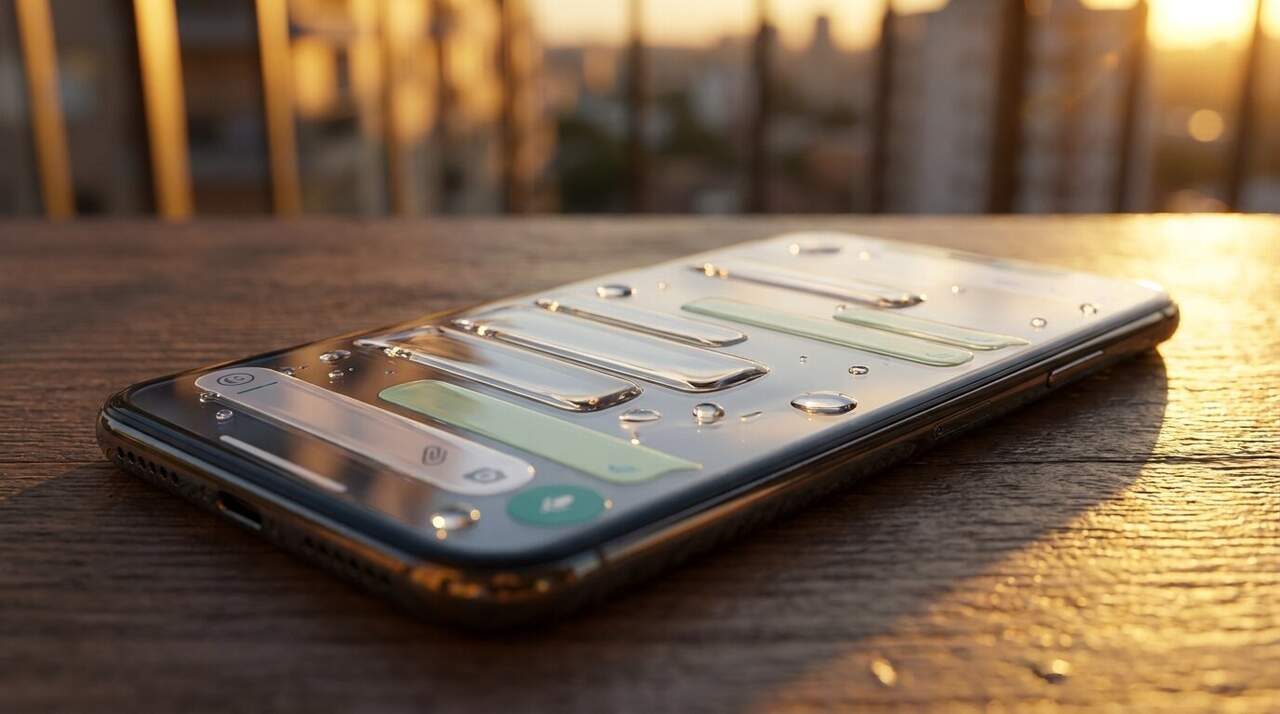
Have you ever seen that new WhatsApp look that seems made of glass? It’s called Liquid Glass mode and it’s revolutionizing the way we use the app. Without much warning, WhatsApp is rolling out a design that features transparency and smoother animations, but not everyone can access it instantly. Luckily, there are ways to try activating this modern style before it reaches everyone. In this article, we’ll explain how to do it and what to expect from this redesign that will change your WhatsApp experience. What is Liquid Glass mode on WhatsApp? Main features of the new design Liquid Glass mode introduces an effect of translucent layers that give a sense of depth and visual lightness. This translates into: Elements with a glass finish and subtle transparencies. Smoother and more fluid animations in navigation. Automatic adaptation to the system’s light and dark modes. Floating navigation bar with a semi-transparent effect. Buttons and menus with reflections and blurred edges. Modernized keyboard more harmonized with the interface. Key areas affected by the redesign The changes are not only aesthetic but also improve usability. The most visible parts are: The navigation bar: now it floats and has a lighter appearance. The buttons and
Read More

Wednesday, September 9, 2026

Wednesday, September 9, 2026
How to activate Liquid Glass mode on WhatsApp and enjoy the new design

ADVERTISEMENT
- Trending
- Comments
- Latest







We bring you the best news, updates, reviews, and events coverage surrounding the worlds top Social Network Companies.
