
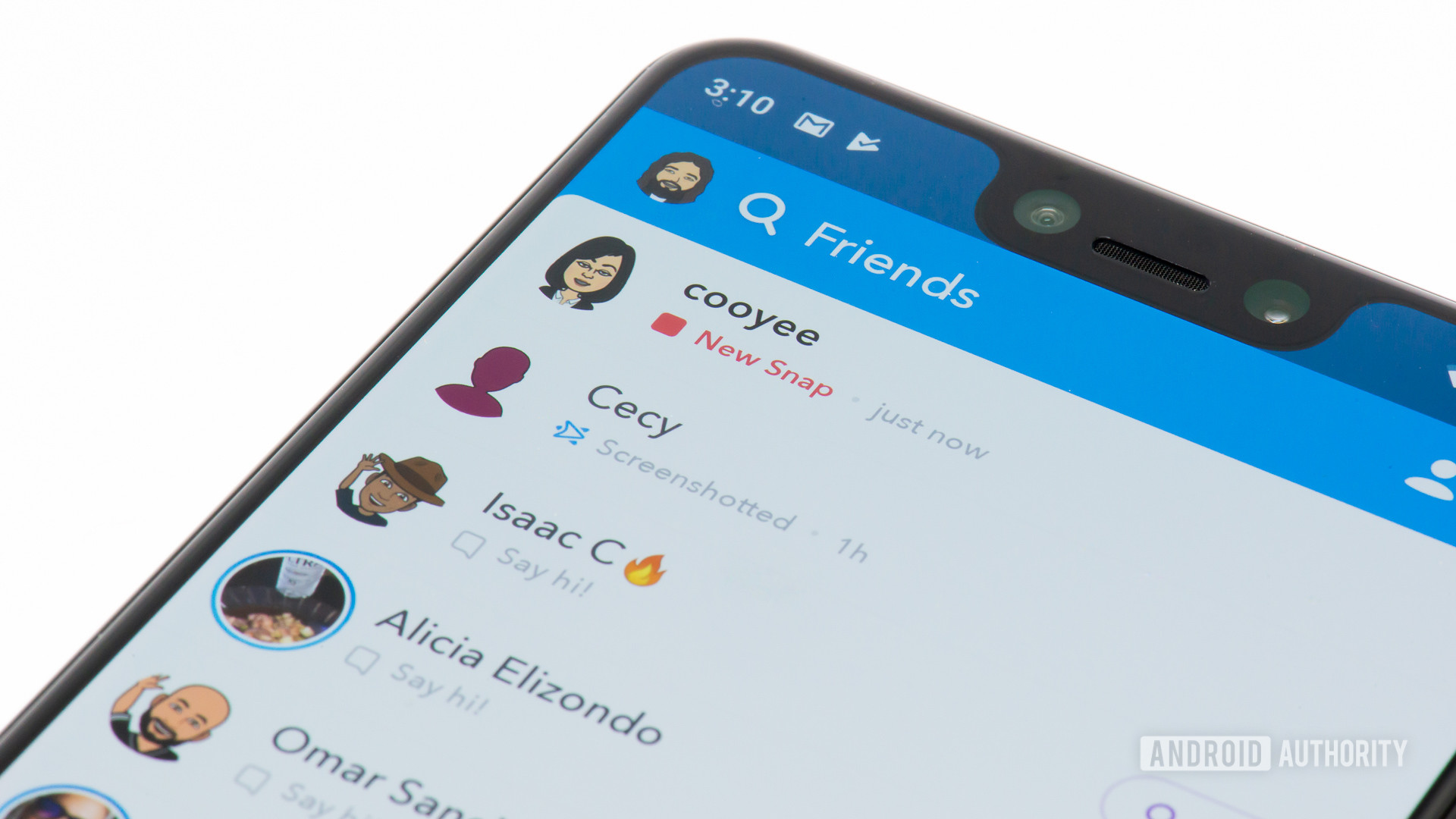
Edgar Cervantes / Android AuthoritySnapchat was the app that popularized fleeting photo messages. However, as it has evolved, more and more settings and features have been added. While we wouldn’t say the interface is exactly cluttered, some things are harder to find than before. With that in mind, let’s review how to block or unblock someone on Snapchat. Read more: How to mute someone on Snapchat How to block someone on Snapchat You can block someone on Snapchat by visiting their profile and managing your friendship. Within that options menu, you will find the Block button. Launch Snapchat and go to the Chat tab. Find the person you want to block and tap their profile picture. This will take you to their profile. On their profile, tap the ⋯ button in the top right. Select Manage Friendship from the menu that pops up. In Manage Friendship, tap Block. A confirmation box will appear. Select Block. How to unblock someone on Snapchat Blocking someone isn’t a permanent action. In many cases, people reconsider a past block and decide to go back on their decision. To unblock someone, you must navigate to the Blocked section of the app. Launch Snapchat and tap your profile icon in
Read More

Friday, October 16, 2026

Friday, October 16, 2026
How to block or unblock someone on Snapchat – Android Authority

ADVERTISEMENT
- Trending
- Comments
- Latest







We bring you the best news, updates, reviews, and events coverage surrounding the worlds top Social Network Companies.
