
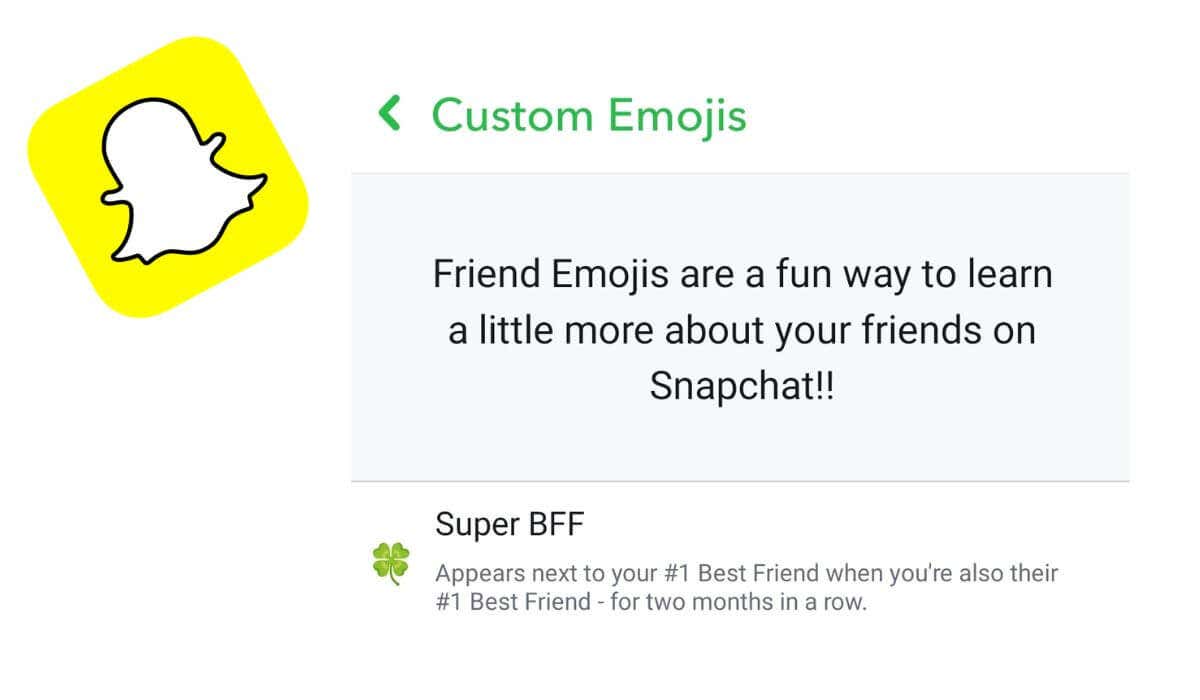
Snapchat emojis aren’t just a way to express your feelings and emotions on a social media platform. When you exchange Snaps with someone on the app, Snapchat applies a new emoji to your conversation, indicating a different level of friendship or relationship. These emojis aren’t set in stone, and you can change friend emojis on your device if you’d like to see a different emoji instead of a default option picked by Snapchat. Here’s how to customize emojis on Snapchat and make them more unique and fitting for your friends on the Snapchat app. What Are Snapchat Emojis & Where to Find Them Snapchat friend emojis are a little different from the emojis you send in a text message on WhatsApp or other messaging apps. Friend emojis on Snapchat appear next to your friend’s name and indicate the type of relationship you have with this person on the app. Depending on how many snaps you send and receive from this one person, you’ll see a new emoji appear next to their name on your friends list. It could be a smiley face, yellow heart, pink heart, red heart, and more. There are Snapchat friend emojis for mutual bfs, super bffs
Read More

Friday, September 25, 2026

Friday, September 25, 2026
How to Change or Customize Your Friend Emojis on Snapchat – Online Tech Tips

ADVERTISEMENT
- Trending
- Comments
- Latest






We bring you the best news, updates, reviews, and events coverage surrounding the worlds top Social Network Companies.
