
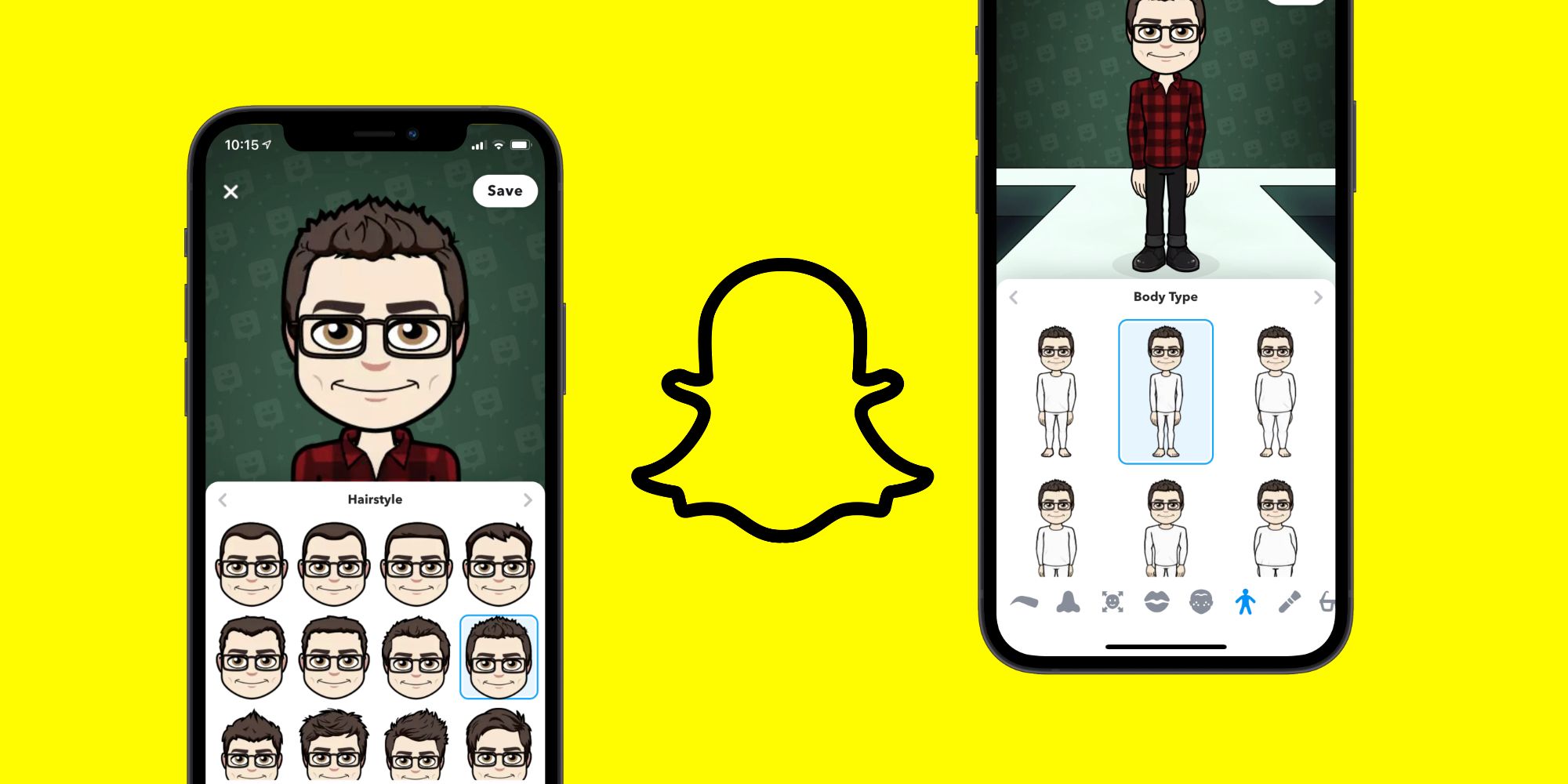
Bitmojis are everywhere on Snapchat. Learn how to quickly edit your Bitmoji’s appearance — including everything from hairstyle, clothes, and more. Bitmojis are a key part of the Snapchat experience, but to get the most out of them, users need to know how to customize their Bitmoji to their exact preferences. Here’s how to edit Bitmojis in Snapchat (and how to change their outfits). The Bitmoji story first began in 2014 when they were created by parent company Bitstrips. People could download the Bitmoji smartphone app, create a custom cartoon version of themselves, and then share stickers of their Bitmoji on social media sites, text messages, etc. In 2016, Snap Inc. (Snapchat’s parent company) acquired Bitstrips and integrated Bitmoji right into Snapchat. While Bitmoji can still be accessed and used outside of Snapchat, the cartoon characters are everywhere on the app. Bitmoji act as Snapchat users’ profile pictures, and Bitmoji stickers are built right into Snapchat DMs. If it’s been a while since someone last edited their Bitmoji, the good news is that Snapchat makes these controls very easy to find. Per the company’s instructions, open the Snapchat app, tap the profile icon in the top-left corner, scroll down, and tap ‘Edit Your Bitmoji.’ From here, users…
Read More

Saturday, September 19, 2026

Saturday, September 19, 2026
How To Edit Snapchat Bitmoji & Change Outfit

ADVERTISEMENT
- Trending
- Comments
- Latest







We bring you the best news, updates, reviews, and events coverage surrounding the worlds top Social Network Companies.
