
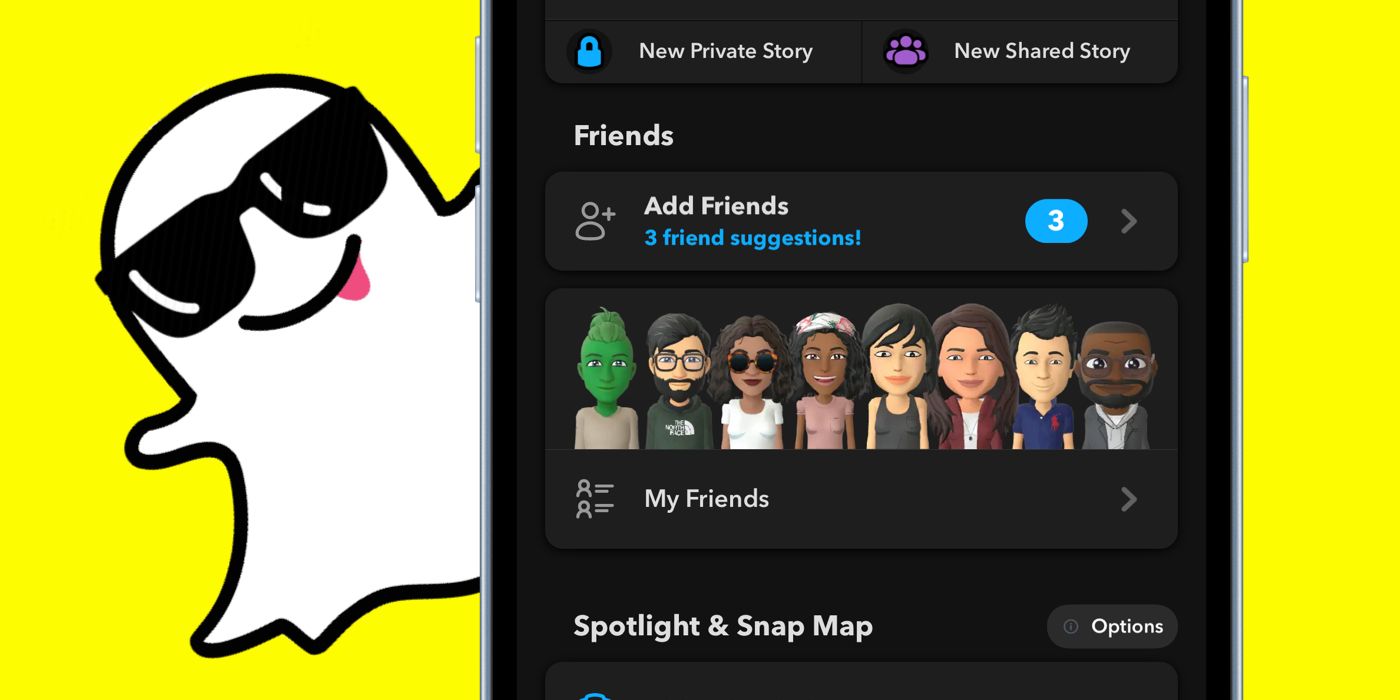
How To Enable Snapchat’s Dark Mode On Android & iPhone (The Official Way) Snapchat finally has a dark mode for Android, but it’s only available for select users at the moment. Here’s how to enable it on Android and iPhone. Like most social media apps, Snapchat has a dark mode that can be enabled for both Android and iPhone. Snapchat’s dark mode was first rolled out in 2021, but only for iPhone users. At the time, Snapchat didn’t introduce dark mode on Android, and despite repeated requests from Android users, took its time releasing the feature. A dark mode for Android has now been officially released, but at the moment, it’s only available for select users. To turn on Snapchat’s dark mode on Android, users will need a Snapchat+ subscription. Since dark mode has been a highly coveted feature, Snapchat is initially releasing it only to paid subscribers. However, the app listing on the Google Play Store mentions that wider availability is coming soon. To enable Snapchat dark mode on Android, tap on your Bitmoji to open your profile, and then tap on the Snapchat+ subscription card. Tap on the ‘Dark Mode’ toggle to turn it on, and the app
Read More

Thursday, September 24, 2026

Thursday, September 24, 2026
How To Enable Snapchat's Dark Mode On Android & iPhone (The Official Way)

ADVERTISEMENT
- Trending
- Comments
- Latest







We bring you the best news, updates, reviews, and events coverage surrounding the worlds top Social Network Companies.
