
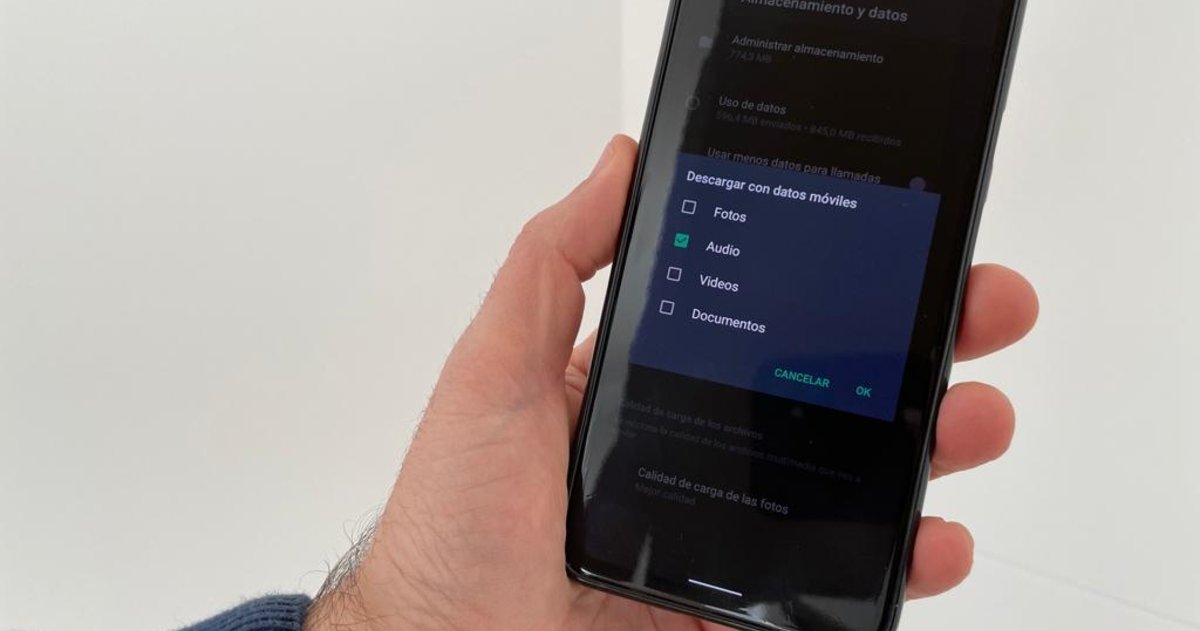
Admin 7 hours ago Technology 41 Views We explain, step by step, how to make WhatsApp stop automatically saving photos and videos in the memory of your terminal. WhatsApp has become an almost indispensable tool to communicate with your friends and family because it allows you to both send text messages and share photos, videos, documents, contacts and even where you are. Throughout the day, we receive a large number of photos and videos through the instant messaging application owned by Meta and, by default, all these multimedia elements are automatically downloaded to the internal memory of your terminal. How to prevent WhatsApp from automatically saving the photos and videos that you receive through said messaging client If you do not want your photo gallery to be filled with absurd or funny images, today we bring you a WhatsApp trick that you will love, since, then, we are going to explain how to make WhatsApp not save photos and videos automatically. This way you can prevent the photos and videos you receive through WhatsApp from being automatically saved in your mobile gallery When you install the WhatsApp application for the first time on your Android mobile, it comes activated by…
Read More

Saturday, August 29, 2026

Saturday, August 29, 2026
How to make WhatsApp not save photos and videos automatically – The Goa Spotlight

ADVERTISEMENT
- Trending
- Comments
- Latest








We bring you the best news, updates, reviews, and events coverage surrounding the worlds top Social Network Companies.
