
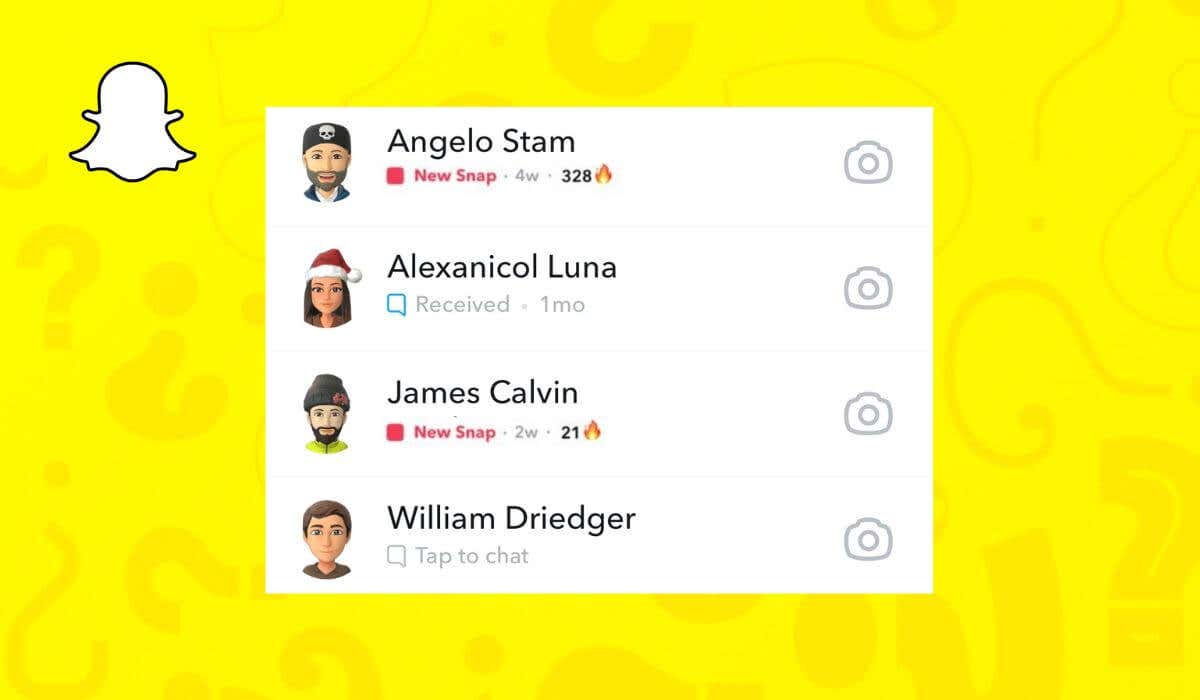
Snapchat Streak or Snapstreak is the number of consecutive days you’ve exchanged Snaps with your Snapchat friend. It appears next to that friend’s name in the form of fire emoji and a number representing the number of days you kept in touch via the Snapchat app. The emoji will disappear if you fail to send a message within 24 hours and keep the Snapstreak going. However, it may also disappear due to bugs or glitches within the app. This step-by-step guide will show you how to get your lost Snapchat Streak back using the Snapchat Support section. How to Recover Your Lost Snapstreak Snapchat recognizes that some things are out of our control, and bugs and glitches can cause even the longest streaks to disappear. To reward active Snapchatters for their dedication to the app, Snapchat introduced a way for them to contact the Support team and get their Snap Streak back. You can use your smartphone and your computer to get your lost Snapstreak back. The instructions are the same for iOS and Android users on smartphones. Follow the steps below: Open Snapchat on your smartphone. In the top left corner, select your profile image. In the top right
Read More

Wednesday, October 14, 2026

Wednesday, October 14, 2026
How to Recover Your Lost Snapchat Streak – Online Tech Tips

ADVERTISEMENT
- Trending
- Comments
- Latest








We bring you the best news, updates, reviews, and events coverage surrounding the worlds top Social Network Companies.
