
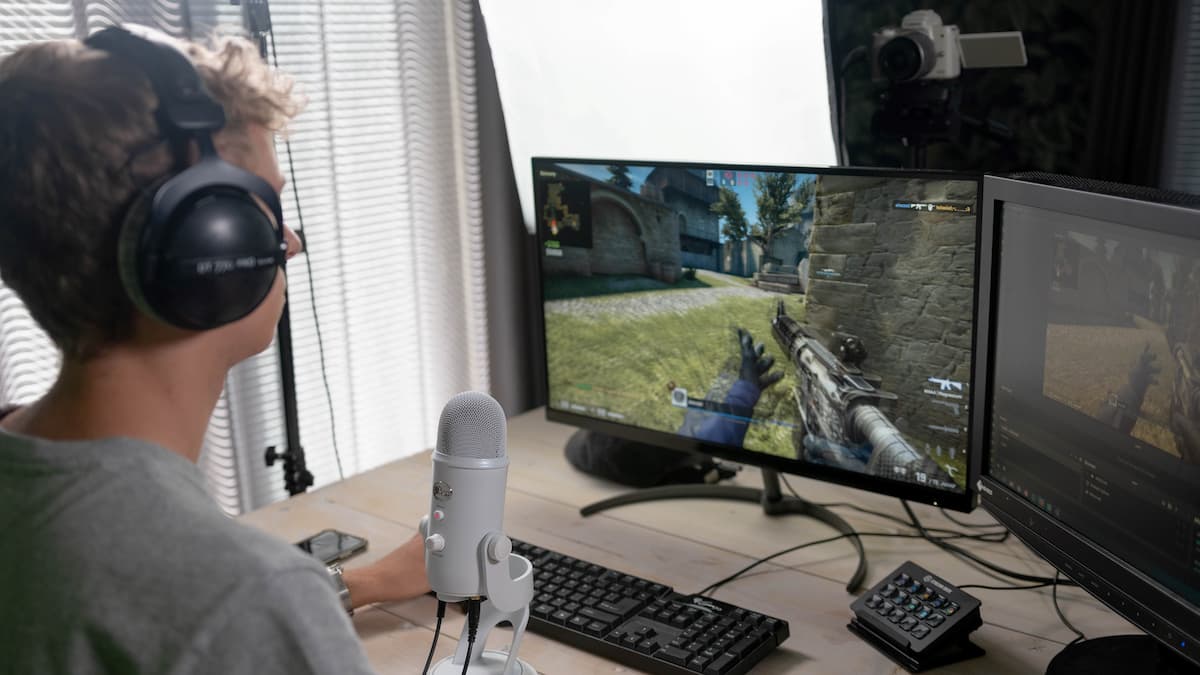
Photo by AronPW/Creative Commons When streaming on Twitch, ensuring that there is minimal delay between your streaming software and Twitch’s feed is critical for being up to date with your chat. As discoverability is so difficult for new streamers on the platform, making a good first impression on any new viewers is vital for growth, and any delays between your OBS and the Twitch feed could be enough to turn away anyone new checking out the stream. As such, you will want to keep this delay down to a minimum so that you can give the best experience to your viewers for your stream. To do this, there are some measures that you can take in your streaming software to help delay any delays. One of the first aspects that you should check is your video bitrate. This is one of the main aspects of streaming that can cause a strain on both your computer and your internet connection. If you find that your internet is not fast enough to support the bitrate at which you have set, then lowering it will take less of your upload bandwidth to process and send to Twitch smoothly. The table below offers a…
Read More

Sunday, October 11, 2026

Sunday, October 11, 2026
How to reduce Stream Delay on Twitch

ADVERTISEMENT
- Trending
- Comments
- Latest








We bring you the best news, updates, reviews, and events coverage surrounding the worlds top Social Network Companies.
