
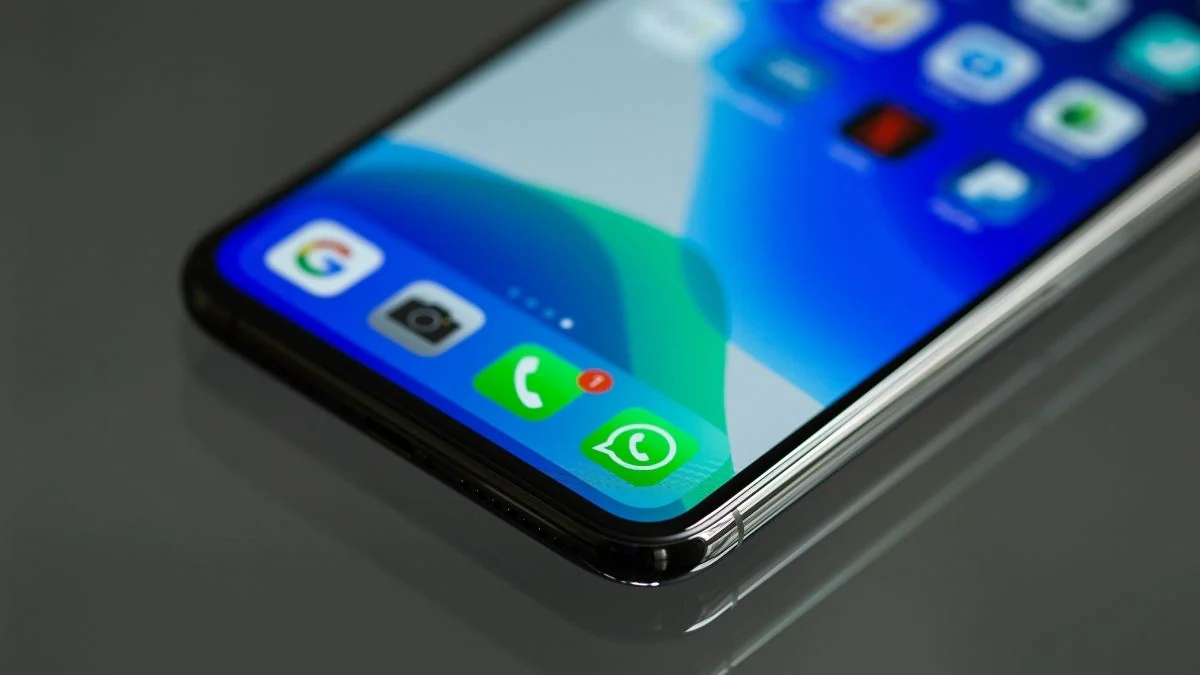
WhatsApp has been adding a lot of useful features recently, and one of these allows you to remove the audio from videos before sending them in chats or adding them to WhatsApp Status. The feature is currently being rolled out on Android. The mute video feature can come in handy if you wish to share a video on WhatsApp without the audio. Until now, you would’ve had to rely on third-party apps to edit the audio on a video, but now you can directly use the mute video feature within the app.How to use WhatsApp’s mute video feature First, install the latest version of WhatsApp from Google Play on your Android device. If you can’t find the mute video icon, then there is a chance that you haven’t received the feature yet, as WhatsApp is gradually rolling it out on Android. Open any WhatsApp chat. Click the attachment icon at the bottom and tap the camera icon if you want to record a video or tap the gallery icon to select a video. You will now be shown the video on screen and you can edit it here. Tap the speaker icon at the top-left to remove sound from the…
Read More

Wednesday, September 16, 2026

Wednesday, September 16, 2026
How to Remove Sound From WhatsApp Videos Before Uploading Them

ADVERTISEMENT
- Trending
- Comments
- Latest







We bring you the best news, updates, reviews, and events coverage surrounding the worlds top Social Network Companies.
