
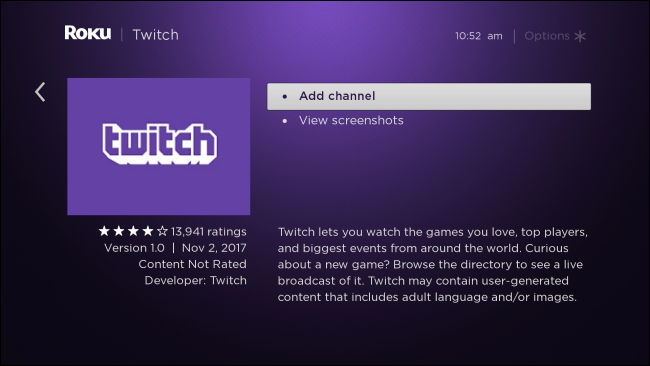
Unquestionably, one of the most popular gaming sites is Twitch, which is also a terrific place to watch other players play while live broadcasting their gameplay. Additionally, the platform has promoted diversification into other broadcast genres, such as music, sports, news, etc. One of the platforms with apps for Windows, macOS, Android, iOS, Fire TV, PlayStation, Xbox, and Apple TV is Twitch. Roku is notably absent. Fortunately, you can easily fix Twitch’s absence on Roku. Let’s examine the Twitch streaming process on Roku. Steps for Adding Twitch to Roku Go to https://my.roku.com in your browser as the first step. On the Roku website, enter your login information. Your “My Account” page ought to be displayed after you log in. The menu item “Add channel with a code” is located on this page. This may be found halfway down the page, just below the title “Manage Account.” To access a screen where you can add channels, click “Add channel using a code.” Here, you can enter any of the codes that are readily available for applications that Roku does not officially support. For Twitch, enter “Twoku” (no capitalization necessary) and click “Add Channel.” You should get a pop-up warning that you…
Read More

Friday, October 2, 2026

Friday, October 2, 2026
How to Use Roku to Stream Twitch? Read Now to Know More – Enviro360

ADVERTISEMENT
- Trending
- Comments
- Latest








We bring you the best news, updates, reviews, and events coverage surrounding the worlds top Social Network Companies.
