
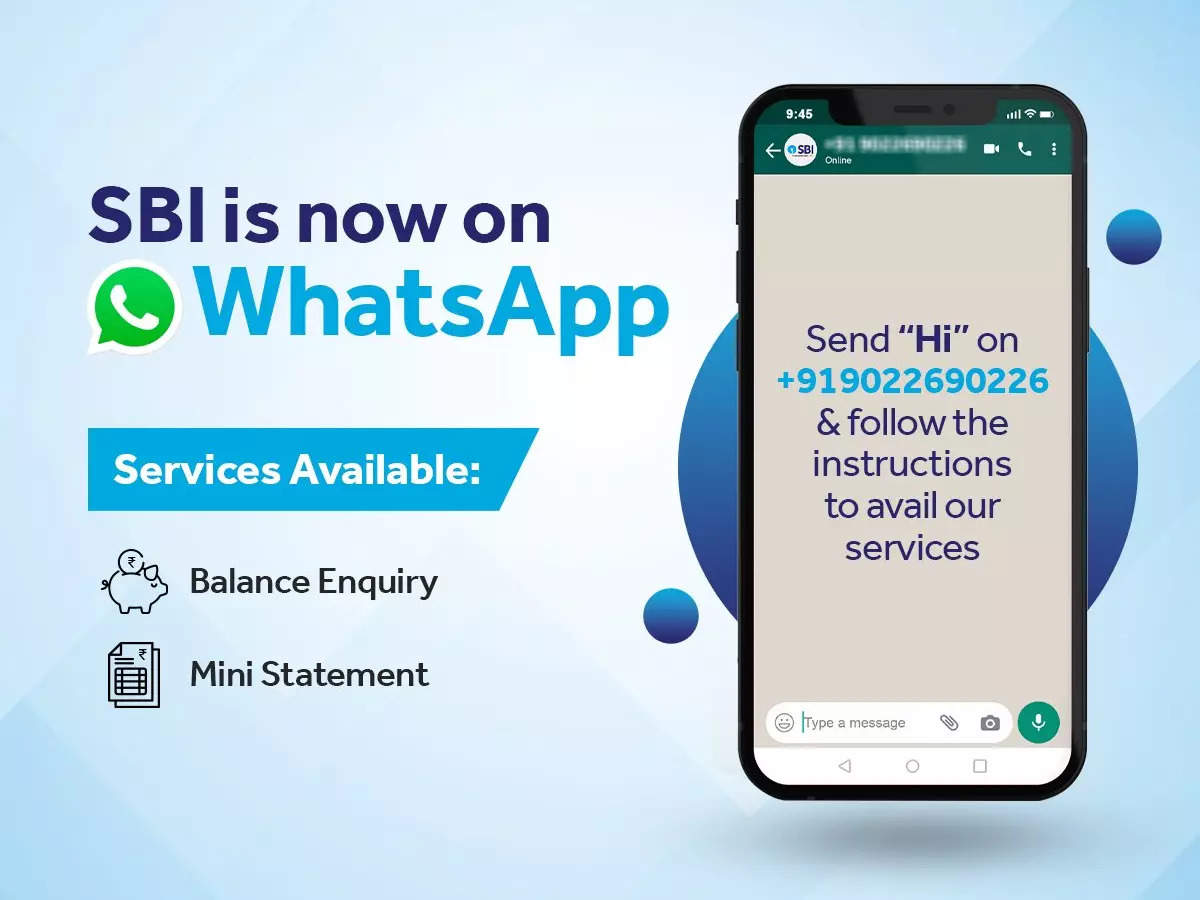
State Bank of India launched WhatsApp Banking Service. The banking service allows bankers to check bank balance and mini statements through the instant messaging app, WhatsApp. Bankers have to register for the WhatsApp banking service through their registered mobile number. Below, check out simple steps to use the SBI WhatsApp banking service. India’s largest public sector lender, the State Bank of India (SBI), has launched its WhatsApp banking service in India. This move came right after SBI chairman Dinesh Khara had disclosed plans for the bank to go the WhatsApp way. With the launch of SBI’s WhatsApp service, bankers can use WhatsApp banking service to check their account balance and mini statement, including complete insight about the last five transactions. This customer-friendly initiative will allow bankers, including old age people, to avail most of its banking services through an instant messaging app eliminating the need to stand in queues for small bank-related works. To use the SBI’s WhatsApp banking service, bankers must register their accounts first. An unregistered customer who tries to avail the service will receive a message from the bank to get registered first. “You are not registered for SBI WhatsApp Banking services. To register and provide your…
Read More

Monday, November 2, 2026

Monday, November 2, 2026
SBI WhatsApp service launched — here's how to register, check account balance and more

ADVERTISEMENT
- Trending
- Comments
- Latest







We bring you the best news, updates, reviews, and events coverage surrounding the worlds top Social Network Companies.
