
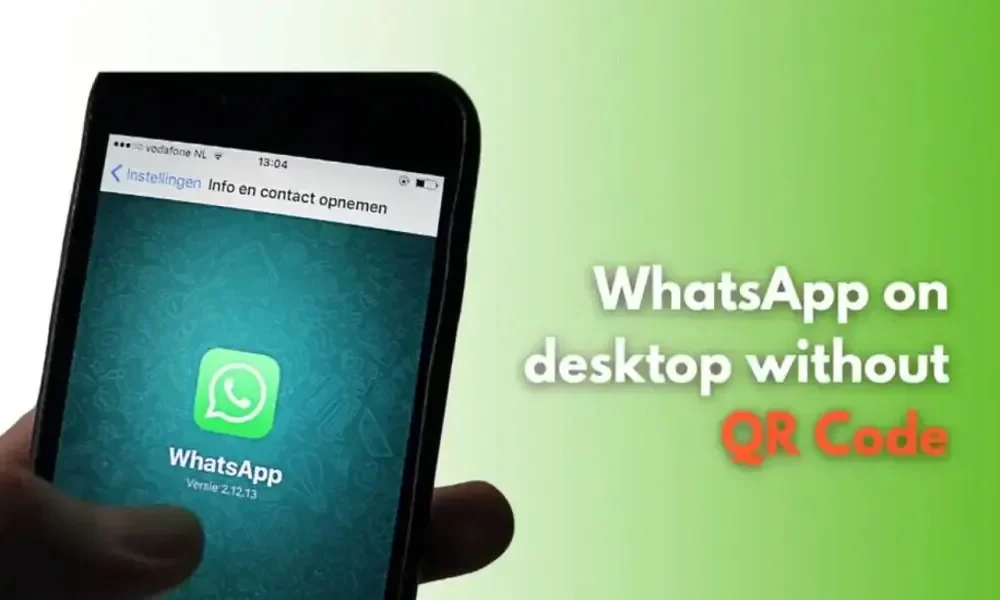
(CTN News) – With WhatsApp, users are able to engage in daily chats as well as official conversations with their friends and family members. A QR code was previously the only way for users to access on their desktop by scanning the code displayed on their device. Nevertheless, you can now use your mobile phone number to log in to on your desktop using your mobile phone number if you wish to do so. In this post, I will give you a step-by-step guide on how to use WhatsApp on your desktop using your phone number, WhatsApp eliminating the need for a QR code to be scanned. In order to get started, open your preferred web browser, such as Chrome or Edge, on your desktop computer. Using your browser’s address bar, enter “https://web.whatsapp.com/” and press Enter to take you to whatsapp’s website. As a result, you will be redirected to the WhatsApp website. There is an option that says “Link with phone number” on the Web page. You will need to click this option in order to link with your phone number. Your phone number will be asked for when you open WhatsApp. You will be asked to enter your
Read More

Thursday, July 30, 2026

Thursday, July 30, 2026
Using WhatsApp On A Desktop With A Phone Number: Steps To Follow – Chiang Rai Times

ADVERTISEMENT
- Trending
- Comments
- Latest





We bring you the best news, updates, reviews, and events coverage surrounding the worlds top Social Network Companies.
