
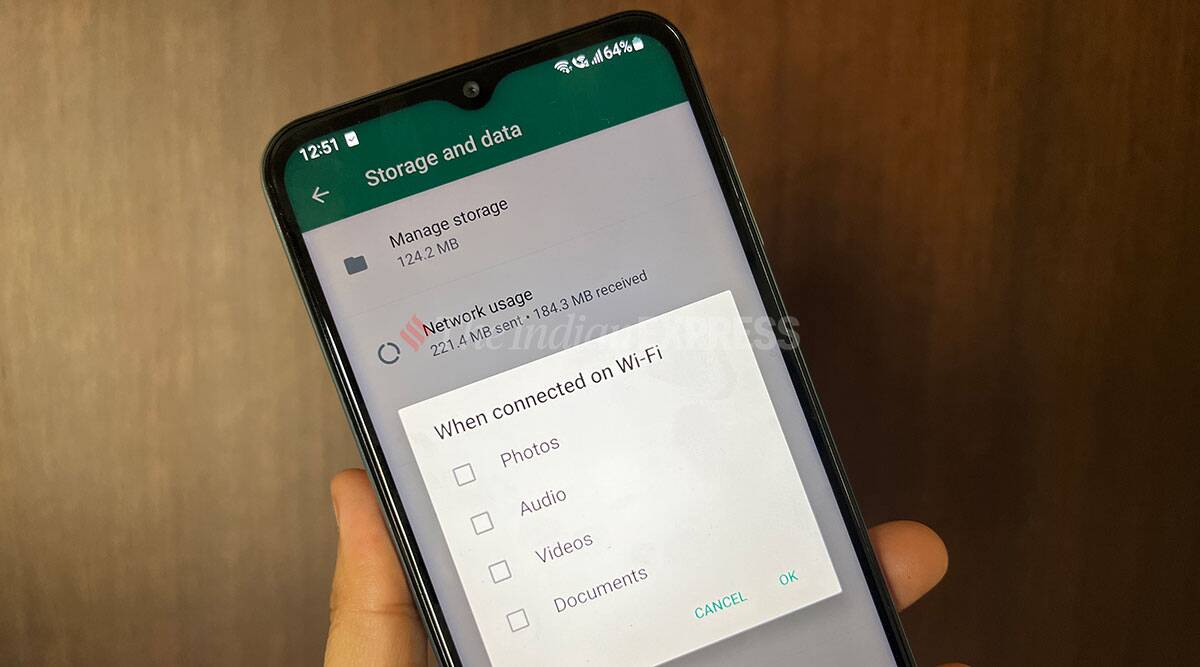
WhatsApp remains the most popular app for personal messaging for Indian users, since close to 400 million users rely on this daily. Many of us are part of large groups on WhatsApp with our family, friends and colleagues. And inevitably a lot of photos and videos are shared on these groups. But more photos and videos also means less storage on your phone. Here are some tips on how to manage your phone storage. Media upload quality WhatsApp lets you decide quality options while sending photos and videos. The default and recommended setting is ‘Auto’. Under this setting, the photos gets compressed. This means the photos and videos you send can sometime appear too grainy. However, WhatsApp lets you choose ‘Best quality’ as an option as well. Under this option, photos and videos sent are typically larger in size. If you are using WiFi and wish to forward the best quality in video and photos, then you can change the settings to ‘Best quality’. Users can change Media Upload quality in the settings. Here it is seen on iOS. (Image credit: Express photo)There’s also Data Saver, which will compress it further. If you have less data or a weak network,…
Read More

Monday, August 24, 2026

Monday, August 24, 2026
WhatsApp tips for video, photo sharing: Manage storage, media upload quality, and more

ADVERTISEMENT
- Trending
- Comments
- Latest






We bring you the best news, updates, reviews, and events coverage surrounding the worlds top Social Network Companies.
