
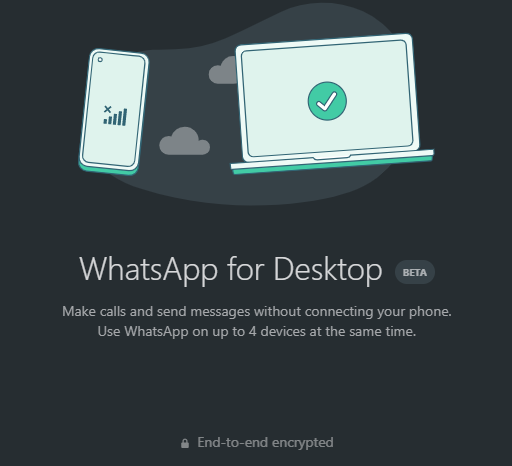
For the most part, we are used to having WhatsApp voice and video calls on our mobile phones but now you can do that on your PC as well. Although you still have to be online on your phone, you can do basically anything from your laptop except group video or voice calls. Also, you should know you can only make WhatsApp calls from the WhatsApp app for Windows or macOS, and not WhatsApp Web. In other words, there are a few things you need to get done before you can make WhatsApp calls from your PC. Firstly, you should download the app on your Windows (32-bit or 64-bit) and Mac. Then install, scan the QR code with your mobile phone, and grant necessary permissions like access to audio and webcam. The interface is similar to that of the WhatsApp Web platform and it has more features of the mobile version.Advertisement – Continue reading below SEE: Here’s How to Change Quality of Media Sent on WhatsApp (Android and iOS) How To Make WhatsApp Video Or Voice Calls On PC Download WhatsApp for desktop on your Windows or Mac computer.Scan the barcode by going into your mobile phone, click menu on…
Read More

Saturday, August 29, 2026

Saturday, August 29, 2026
You Can Make WhatsApp Calls From Your Computer – Here's How To Do It – Dignited

ADVERTISEMENT
- Trending
- Comments
- Latest








We bring you the best news, updates, reviews, and events coverage surrounding the worlds top Social Network Companies.
